


















POS System in the UAE and Gulf: How to Choose the Right One
What businesses in Dubai, Abu Dhabi, Riyadh and Doha need from a POS system: bilingual receipts, staff languages, tax reports, AED pricing, WhatsApp and local support.
The right POS system in the UAE and the wider Gulf must print Arabic and English receipts, work in the languages of a multinational team, produce clear tax reports, price its plans in local currency, fit local habits such as WhatsApp and drive-up orders, and come with support in your time zone. Check these six points first.
Running a business in Dubai, Abu Dhabi, Riyadh or Doha is different from running one in London or New York. Your cashier may be from Kerala, your waiter from Manila and your manager from Cairo, while your customers expect Arabic on the receipt and service in English. Many guests order from their car, pay with a mix of cash and card, and prefer a WhatsApp message to an email.
A POS system designed for a single-language market can struggle with all of this. Here is what to look for in the UAE, Saudi Arabia, Qatar, Kuwait, Bahrain or Oman, on top of the general criteria in our guide to choosing the best POS system.
- Bilingual receipts and product names (Arabic and English) are a baseline, with a correct right-to-left layout.
- Staff should be able to use the system in their own language, not only in Arabic or English.
- Choose a POS with clear tax reports, and confirm your invoice requirements with your accountant.
- Prefer plans priced in local currency with monthly flexibility and a free trial.
- WhatsApp receipts, drive-up orders and local support make daily work easier.
Do you need an Arabic POS with bilingual receipts?
In most of the Gulf, yes. Many customers read Arabic first, while many others only read English, so receipts, menus and kitchen tickets usually need both. An Arabic POS should do more than translate its buttons: product names, categories, receipts and customer-facing menus should appear in Arabic and English side by side.
Test these points during any trial:
- Arabic text prints correctly on your thermal printer, with joined letters and right-to-left order respected.
- Each product has an Arabic and an English name, and you control which appears where.
- New products can be translated automatically, so you are not typing every name twice.
- Your logo and business details appear on the receipt.
- Screens switch cleanly between right-to-left and left-to-right layouts.
Kitchen tickets deserve a separate test. A chef from Nepal or Kerala may read English names faster than Arabic ones, while the guest's receipt should show both. Print a few kitchen tickets with modifiers and guest notes, and check that the kitchen can read every line at a glance during a rush. Menus deserve the same care: a QR menu that switches between Arabic and English lets each guest read at their own pace.
Which POS works for a multilingual team?
Gulf businesses often employ staff from a dozen countries. A cashier who reads Malayalam or Urdu more comfortably than English will work faster and make fewer mistakes on a screen in their own language. The same applies to a kitchen team reading orders on a display, or a driver checking a delivery address.
Look for a system where each employee chooses the interface language, while product names and receipts stay in the business's chosen languages. That way a Filipino waiter, a Bengali kitchen hand and an Arab manager all use the same system, and customers still receive a consistent bilingual receipt. Our article on multilingual POS systems explains how this works in practice.
Training gets faster too. New staff learn the screens in a language they already know, and the manager does not have to translate every button during a busy first shift. In businesses with high staff turnover, that saving repeats every month. During your trial, ask two or three employees from different countries to process the same sale in their own language, then compare the time taken and the mistakes made.
What should you check about VAT and tax reports?
Several Gulf countries apply VAT, and the rules for tax invoices, record-keeping and electronic invoicing differ from one country to another and change over time. A POS cannot replace your accountant, but it should make their work easier.
- Can you set up the tax you need and show it on receipts?
- Is there a tax report for any period, per branch and combined?
- Can you export reports to Excel for your accountant?
- Are refunds and voids recorded with a reason, so totals can be explained later?
Keep your records tidy from day one: close every shift, never delete sales, and use refunds with a reason instead. Clean data makes the monthly or quarterly work with your accountant much faster.
Before you go live, check your local rules with your accountant or the tax authority, and ask any POS vendor exactly how their receipts and reports support those rules. Be cautious of broad compliance promises that come without detail.
How should POS pricing and payments work in AED?
Two kinds of money matter here: what you pay for the system and how your customers pay you.
For the system, a plan priced in AED avoids exchange-rate surprises and makes budgeting simple. Look for monthly billing with an option to pay yearly at a discount, the freedom to upgrade or downgrade, and a free trial without a card. Paying by Apple Pay or Google Pay as well as card is a convenience many owners appreciate.
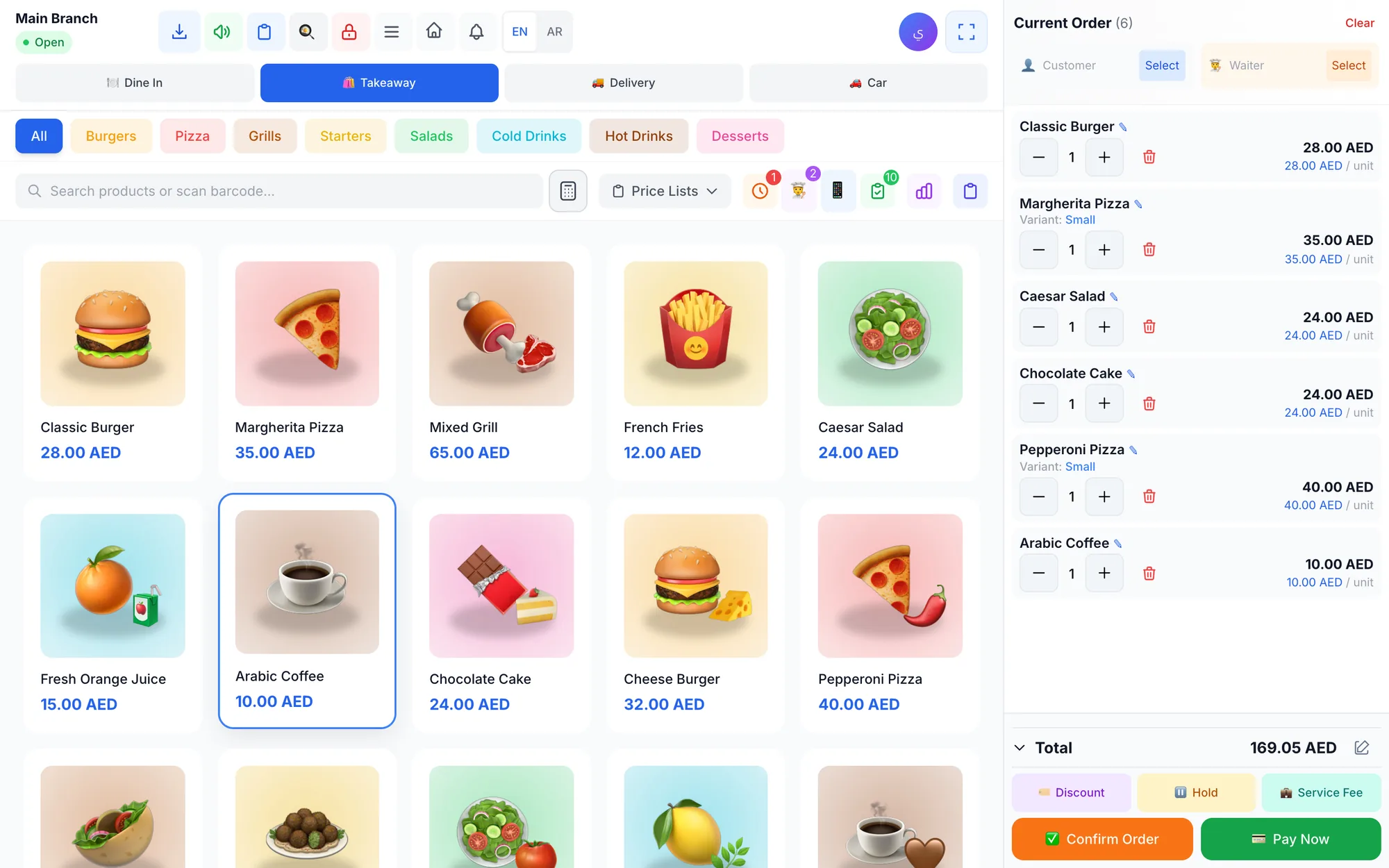
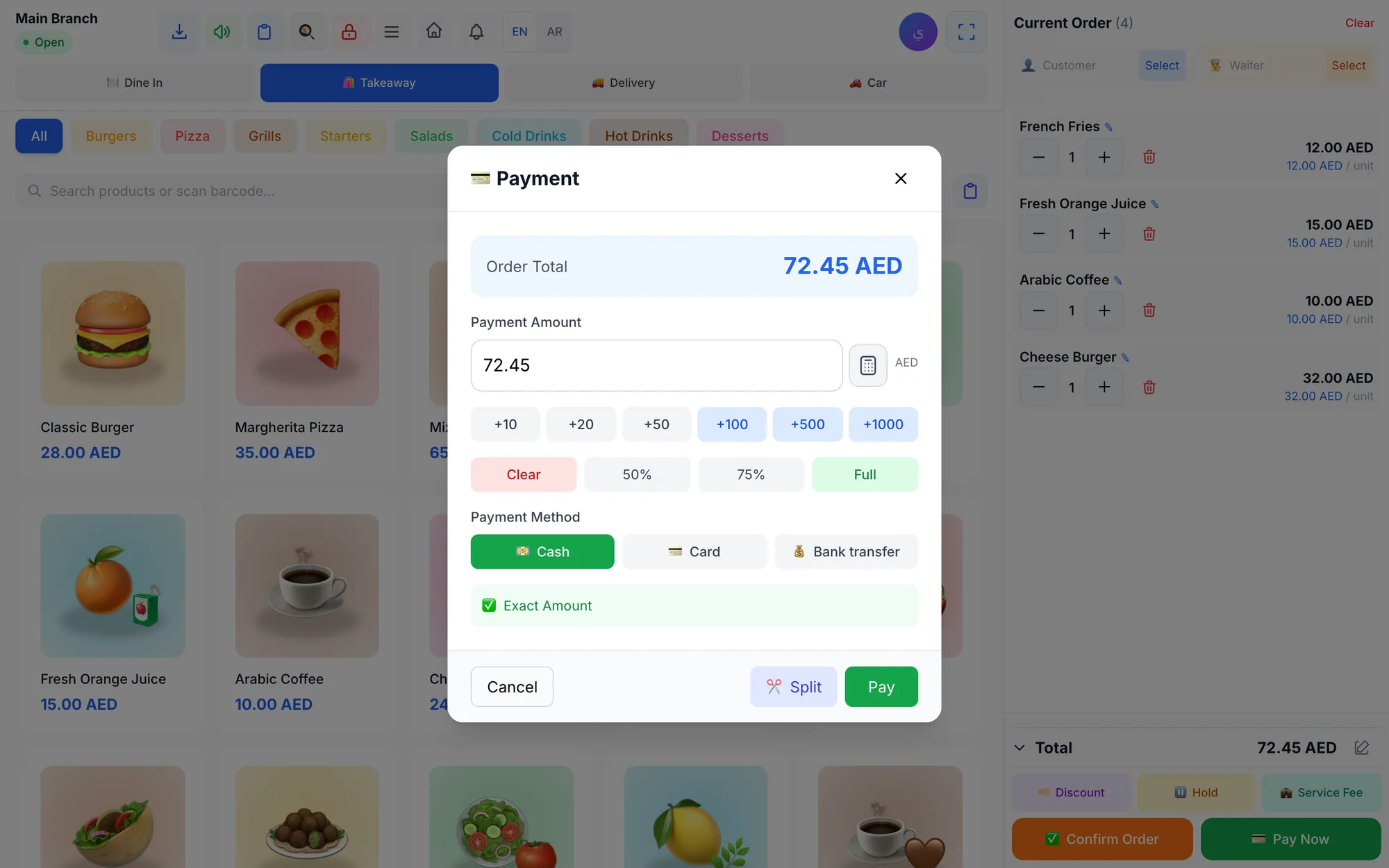
At the counter, Gulf customers often split a bill: part cash, part card, sometimes a bank transfer for a large order. Your POS should record mixed payments on one bill, calculate change, and show each payment method in the shift report so the cash in the drawer matches what the system expects.
Cash is still common in many Gulf businesses, so shift closing matters. The cashier counts the drawer, the system compares it with the cash it expects, and any over or short amount is recorded against that shift and that person.
Can a POS handle WhatsApp, drive-up and delivery orders?
Local habits shape the counter. WhatsApp is the main messaging app for many customers in the region, so sending receipts and order updates there, from your own business number, feels natural and saves paper. Read more in our guide to WhatsApp receipts.
Drive-up service is common at cafés, juice shops and restaurants across the Gulf. A POS with a dedicated drive-up order type that records the car's plate number helps staff take the right order to the right car without shouting across the car park.
Delivery apps are part of daily life too. Even when orders from those apps are entered at the counter, recording each app as a separate sales channel shows you what each one really brings in. For a restaurant in Dubai that takes orders through two or three delivery apps, that means knowing which channel brings the most orders and revenue, and where to focus promotions.
Why local support and multi-branch control matter
When a printer stops at 8 pm on a Thursday, you need help that answers in your time zone and in a language you speak, ideally on WhatsApp or by phone. Ask vendors who will help you import products, connect printers and train staff, and how quickly they reply. Video tutorials for each screen help as well, because new staff can learn at their own pace instead of waiting for the manager.
Many Gulf businesses also grow by opening branches in new malls or neighbouring emirates. Each branch may need its own prices, stock and staff, while the owner wants one combined view. A perfume brand with kiosks in three Dubai malls, for example, needs stock per kiosk, prices that may differ at an airport location, and one report for the owner every evening. Confirm that the system handles this before you open the second location, not after.
Checklist: choosing a POS system in Dubai, Abu Dhabi, Riyadh or Doha
| Need | Why it matters in the Gulf | What to ask the vendor |
|---|---|---|
| Arabic and English receipts | Customers read different languages | Can I see a printed bilingual receipt? |
| Staff languages | Teams come from many countries | Which interface languages are included? |
| Tax reports | Accountants need clean totals | Can I export a tax report per branch? |
| Mixed payments | Cash and card on one bill are common | Does the shift report split by method? |
| Drive-up orders | Many customers order from the car | Is there a drive-up order type? |
| WhatsApp messages | Customers prefer WhatsApp to email | Can receipts go from my own number? |
| Offline selling | Mall and street connections can drop | What happens when the internet fails? |
| Local support | Problems happen during peak hours | Who helps me, how, and how fast? |
How Quip POS fits businesses in the Gulf
Quip POS is made by GO RICH in the UAE. The whole system works in 20 languages, including Arabic, English, Urdu, Hindi, Bengali, Malayalam, Persian and Filipino, with full right-to-left support. Product names, menus and receipts use two content languages you choose, such as Arabic and English, with automatic translation of names. Receipts print on standard ESC/POS thermal printers with your logo.
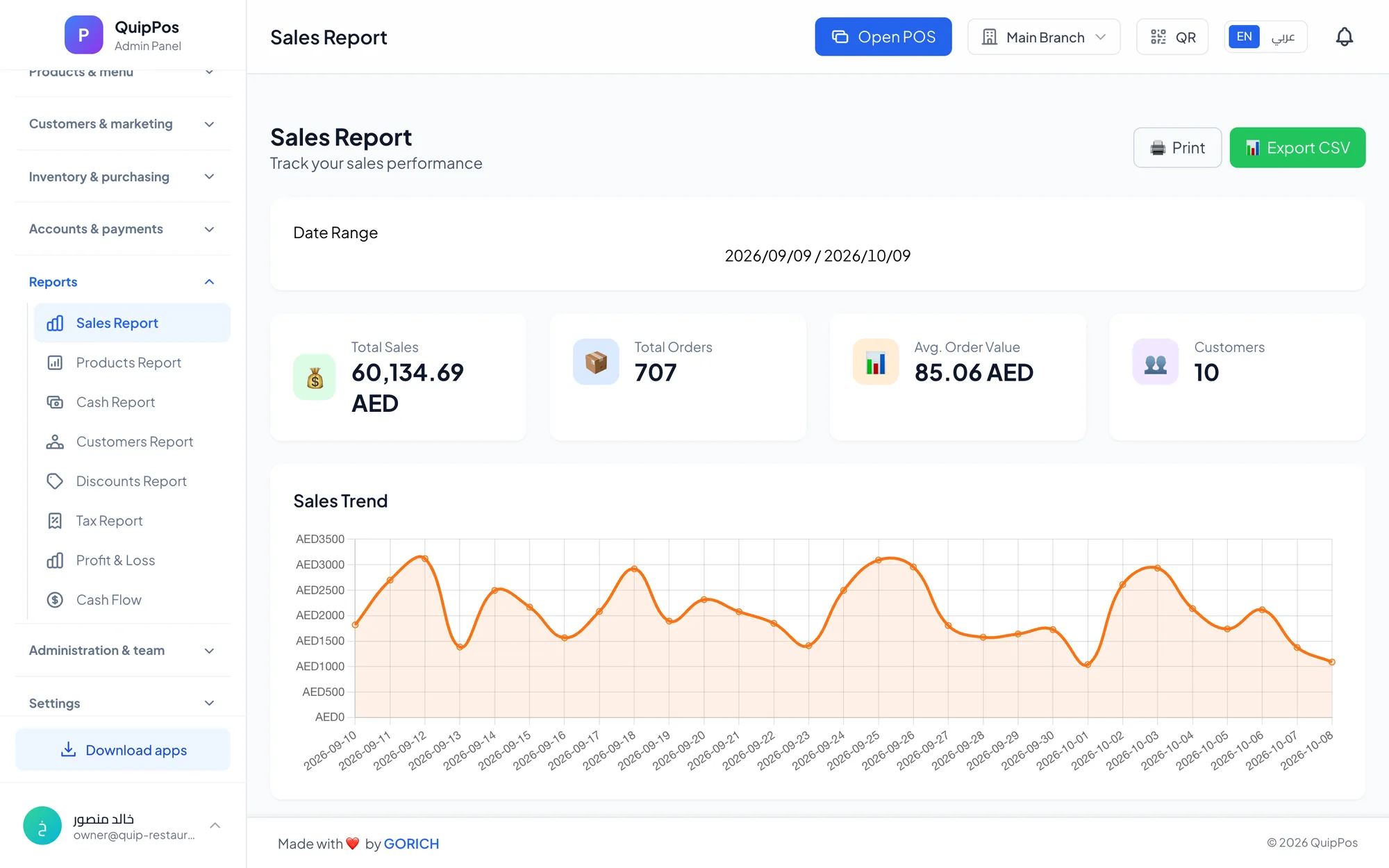
It covers mixed payments on one bill, tax and cash reports, shifts with an over/short report, drive-up orders with the plate number, delivery apps recorded as separate sales channels, and WhatsApp receipts and messages from your own number through QuipWhats. The Windows and Mac desktop app keeps selling and printing offline, and every branch keeps its own prices and stock with combined reports for the owner. Roles, granular permissions and PIN sign-in let a multinational team share the same counter safely. Plans are priced in AED, starting from AED 29 per month, and renew by card, Apple Pay or Google Pay; see the plans in AED and the printers, scanners and integrations it works with. The team helps you set up products and printers and train staff over WhatsApp or phone.
Try it with your own team
The best test of a Gulf-ready POS is a real shift with your own staff. Open the live demo to see a ready restaurant, shop, salon, laundry or repair centre in Arabic or English, then start a 14-day free trial with no card, print a bilingual receipt on your own printer and let each employee choose their language.
Frequently asked questions
What is the best POS system for a business in Dubai?
Do POS receipts in the UAE need to be in Arabic?
Can I use the same POS system in the UAE and Saudi Arabia?
Which languages should a POS support in the Gulf?
How much does a POS system cost in the UAE?
Can a POS system send receipts on WhatsApp?
Talk to the Quip POS team
Tell us about your business and we will show you the right setup, help you add your products and connect your printers.
Related articles
 POS guides
Best POS System in 2026: How to Choose the Right Point of Sale
There is no single best POS system for everyone. Use these criteria, red flags and a weighted scoring checklist to find the point of sale software that fits your business.
 POS guides
What Is a POS System? A Complete Guide for Business Owners
A plain-language guide to POS systems: the hardware and software, what happens at checkout, how stock and reports work, cloud vs local, and who needs one.
 POS guides
How Much Does a POS System Cost? Plans, Hardware and Hidden Costs
A clear breakdown of what a POS system costs: subscription or licence, hardware, setup, training and card fees, the hidden costs to avoid and how to calculate the real total.