




















How Much Does a POS System Cost? Plans, Hardware and Hidden Costs
A clear breakdown of what a POS system costs: subscription or licence, hardware, setup, training and card fees, the hidden costs to avoid and how to calculate the real total.
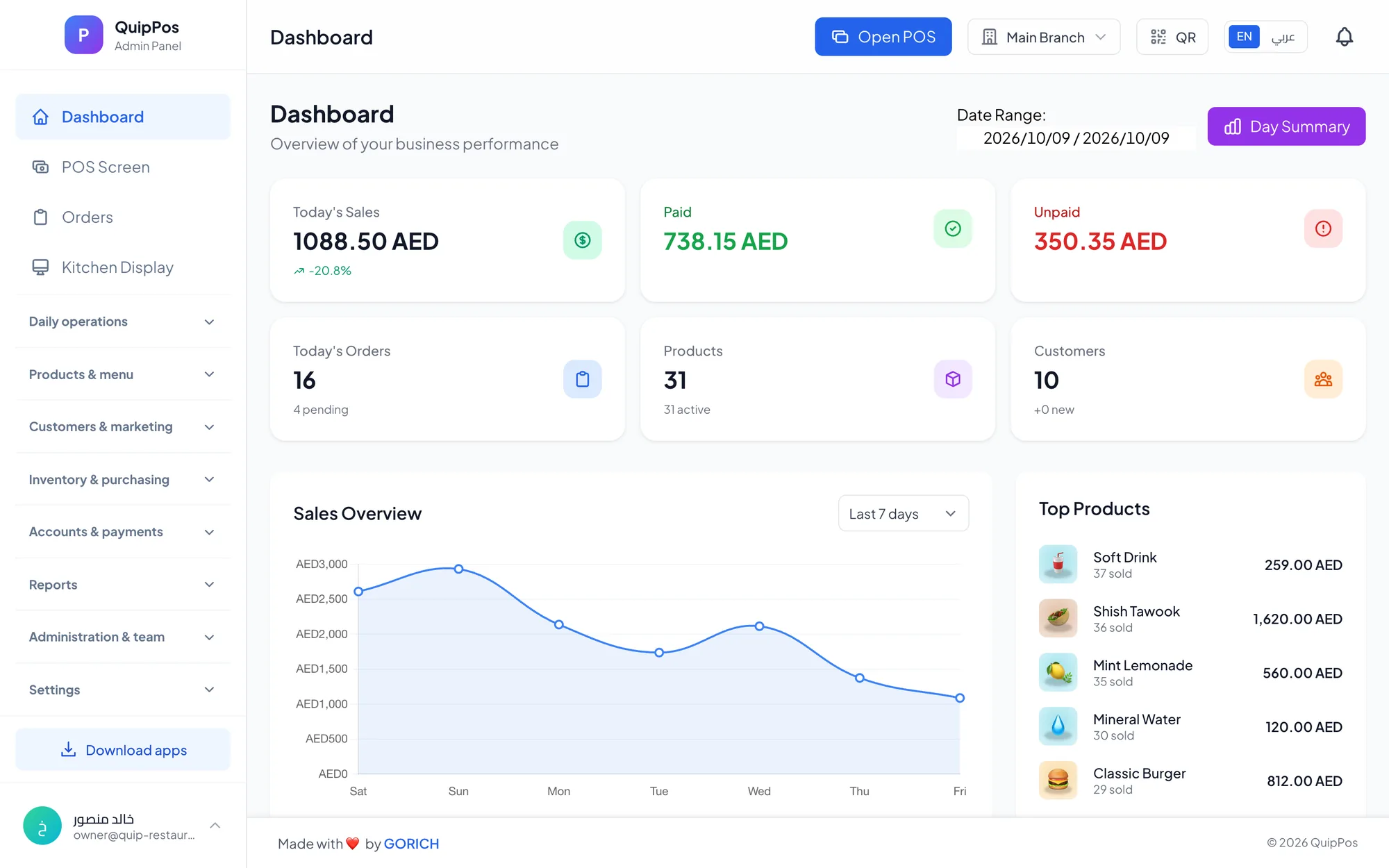
The cost of a POS system is made of four parts: the software subscription or licence, hardware such as a tablet, receipt printer and scanner, setup and staff training, and card payment fees. For many small businesses, the software subscription is one of the smaller lines; hardware, payment fees and hidden extras decide the real total over a year.
Asking “what is the POS system price?” is a bit like asking what a car costs: it depends on what you need it to do. A single-counter café in Dubai, a three-branch phone shop chain in Riyadh and a laundry in Abu Dhabi will each pay differently, even with the same software.
This guide breaks down every cost item, shows the hidden fees that catch owners out and gives you a simple way to calculate the total before you commit.
- Compare the total cost over 12 months, not the monthly headline.
- Subscriptions spread the cost and include updates; one-time licences often charge for upgrades and support later.
- Standard hardware you can buy anywhere is cheaper in the long run than proprietary devices.
- Card processing fees come from your payment provider and can exceed the software cost for a busy store.
- A free trial without a card is the cheapest way to avoid an expensive mistake.
What do you actually pay for in a POS system?
Every POS budget has the same building blocks. Some are one-time, some are monthly, and a few only show up after you have signed.
| Cost item | Type | What drives the price | How to keep it low |
|---|---|---|---|
| Software | Monthly or yearly | Plan level, branches, features | Start small, upgrade later |
| Hardware | One-time | Number of counters and printers | Reuse devices, buy standard models |
| Setup and import | One-time | Number of products and branches | Import products from Excel |
| Training | One-time, then ongoing | Team size and staff turnover | Use video tutorials |
| Payment fees | Per transaction | Card volume and provider | Compare providers |
| Add-ons | Monthly | Extra modules or users | Pick a plan that includes what you use |
Subscription or one-time licence: which costs less?
Traditional POS software was sold as a licence: a larger payment up front for a version installed on one computer. Updates, new devices and support often cost extra, and moving to a newer version can mean paying again.
Most modern cloud POS systems use a subscription paid monthly or yearly. You pay less at the start, updates are included, and your data is stored and backed up online. Over several years the totals can be similar, but a subscription is easier to budget, easier to cancel if the system disappoints you, and easier to scale when you open a branch. For a café in Sharjah opening its first location, that means the money goes into coffee machines and stock rather than software.
When comparing subscriptions, check:
- Whether the price is per company, per branch or per device.
- How much you save by paying yearly.
- Whether you can switch plans or billing cycles mid-term, and how the difference is calculated.
- Whether you can stop renewal at any time without a penalty.
Also count the cost of leaving. If a system makes it hard to export your products and customers, switching later can cost you days of work and a messy changeover.
How much does POS hardware cost?
Hardware is usually a one-time purchase, and its cost depends on how many counters, printers and screens you need rather than on the software. A small shop may need only a tablet, a thermal receipt printer and a barcode scanner. A restaurant adds kitchen printers or a kitchen screen, and perhaps phones for waiters. Typical starting setups look like this:
- Small shop: tablet or laptop, receipt printer, barcode scanner and cash drawer.
- Café or restaurant: counter screen, receipt printer, kitchen printer or screen, and phones for waiters.
- Salon or laundry: a tablet or laptop and a receipt printer are usually enough.
- Repair centre: a computer, a receipt printer and a barcode scanner for spare parts.
The biggest saving comes from software that accepts standard equipment. If the POS works in a web browser, any laptop, tablet or screen you already own can run it. If it supports standard ESC/POS thermal printers and any USB or Bluetooth scanner, you can buy them from a local supplier and replace them quickly when they fail. Proprietary terminals that only work with one vendor lock you in and cost more to replace. Kitchen screens can also be ordinary tablets or screens with a web browser, which is often cheaper than adding a printer for every station. Our POS hardware guide explains what you really need.
What do setup, data import and training cost?
Getting a system ready to sell takes time, and time is money. Products must be entered with prices, photos and barcodes; printers connected; staff accounts and permissions created; and the team trained before the first busy shift.
Some vendors charge a setup fee or sell training by the hour. Others include help with onboarding. Ask exactly what is included, how long a typical setup takes for a business your size, who does each step, and whether you can import your product list from a spreadsheet, which can turn days of typing into an afternoon's work. Video tutorials for each screen also reduce the cost of training new staff later, which matters in businesses with high turnover.
A practical tip: prepare your product list in a spreadsheet before any trial starts, with names, prices, categories and barcodes. The import becomes quick, and you can compare systems on equal terms.
What payment fees should you expect?
In most setups, card payments are processed by your bank or payment provider rather than by the POS software. The provider charges a fee on each card transaction, sometimes with a terminal rental on top. For a busy store, these fees can add up to more than the POS subscription, so negotiate them separately and compare providers. Ask about settlement times as well as rates, because money that arrives days later affects the cash flow of a small business.
A good POS helps here by recording each payment method clearly. When the shift report separates cash, card and bank transfers, you can reconcile the card terminal's statement with your sales in minutes.
Hidden POS costs to watch for
The quote looks good; then the extras arrive. Watch for these before you sign:
- Per-device fees: paying extra for each tablet, waiter phone or kitchen screen.
- Paid modules: inventory, loyalty or reports sold as add-ons.
- Long contracts: one- to three-year commitments with cancellation fees.
- Locked hardware: devices that only work with that vendor and cost more to replace.
- Support fees: charging for help after the first month.
- Training time: a complicated system costs hours every time someone new joins.
- Low plan limits: caps on products, users or orders that push you to a higher plan sooner than expected.
- Data export fees: making it hard or expensive to take your own data with you.
- Downtime: a system without offline mode can cost you a full evening of sales when the internet fails.
How to calculate the total cost of a POS system
Use this five-step method for each system on your shortlist:
- Write down the plan you need today and its price for 12 months, both monthly and yearly.
- List the hardware you must buy, after counting what you can reuse.
- Add any setup, import or training fees.
- Estimate card fees from your expected card sales and your provider's rate.
- Add every add-on, extra device or user fee, then compare the totals side by side.
For example, a small café that reuses its laptop needs a receipt printer and a kitchen printer. Its first-year cost is the subscription, the two printers, any setup fee and the card fees on its card sales. In the second year only the subscription and card fees remain, which is why the one-time items matter less than they first appear.
Then weigh the result against what the system saves: faster checkout, fewer stock losses, refunds that require a reason, and an owner who no longer spends evenings reconciling notebooks. The cheapest total is not always the best value. For the other criteria that matter, see our guide to choosing the best POS system.
Five ways to keep POS costs down
- Start on the plan you need today and upgrade only when you grow.
- Switch to yearly billing once you are sure the system fits.
- Reuse laptops, tablets and phones before buying new hardware.
- Buy standard printers and scanners from local suppliers.
- Import products from a spreadsheet instead of typing them by hand.
How much does Quip POS cost?
Quip POS has four plans, Starter, Professional, Business and Enterprise, starting from AED 29 per month. Yearly billing costs ten times the monthly price, so you get two months free: a plan at AED 29 per month costs AED 290 per year. Plans renew automatically by card, Apple Pay or Google Pay; you can upgrade, downgrade or switch between monthly and yearly at any time with prorated billing, and turn renewal off whenever you like. What each plan includes is listed on the Quip POS pricing page.
On hardware, it runs in any web browser, so you can start on a device you already own, and the desktop app for Windows and Mac keeps selling offline and discovers printers automatically. It works with standard ESC/POS thermal printers and any USB or Bluetooth barcode scanner. Products can be imported from Excel with images and prices, video tutorials cover every screen, and the team helps with setup and training over WhatsApp or phone. Card details are never stored; subscription payments go through Stripe.
The cheapest way to decide
Before you spend anything on hardware or contracts, test the software. Start a 14-day free trial with no card and every feature included, or open the live demo to explore a ready company first. Then follow our free trial plan to weigh the total cost against what the system actually saves you during a real week.
Frequently asked questions
How much does a POS system cost per month?
Is it cheaper to buy POS software outright or subscribe?
What hardware do I need to buy for a POS system?
What are the hidden costs of a POS system?
How much does Quip POS cost?
Do POS systems charge transaction fees?
Talk to the Quip POS team
Tell us about your business and we will show you the right setup, help you add your products and connect your printers.
Related articles
 POS guides
Best POS System in 2026: How to Choose the Right Point of Sale
There is no single best POS system for everyone. Use these criteria, red flags and a weighted scoring checklist to find the point of sale software that fits your business.
 POS guides
What Is a POS System? A Complete Guide for Business Owners
A plain-language guide to POS systems: the hardware and software, what happens at checkout, how stock and reports work, cloud vs local, and who needs one.
 POS guides
POS System in the UAE and Gulf: How to Choose the Right One
What businesses in Dubai, Abu Dhabi, Riyadh and Doha need from a POS system: bilingual receipts, staff languages, tax reports, AED pricing, WhatsApp and local support.