



















Best POS System in 2026: How to Choose the Right Point of Sale
There is no single best POS system for everyone. Use these criteria, red flags and a weighted scoring checklist to find the point of sale software that fits your business.
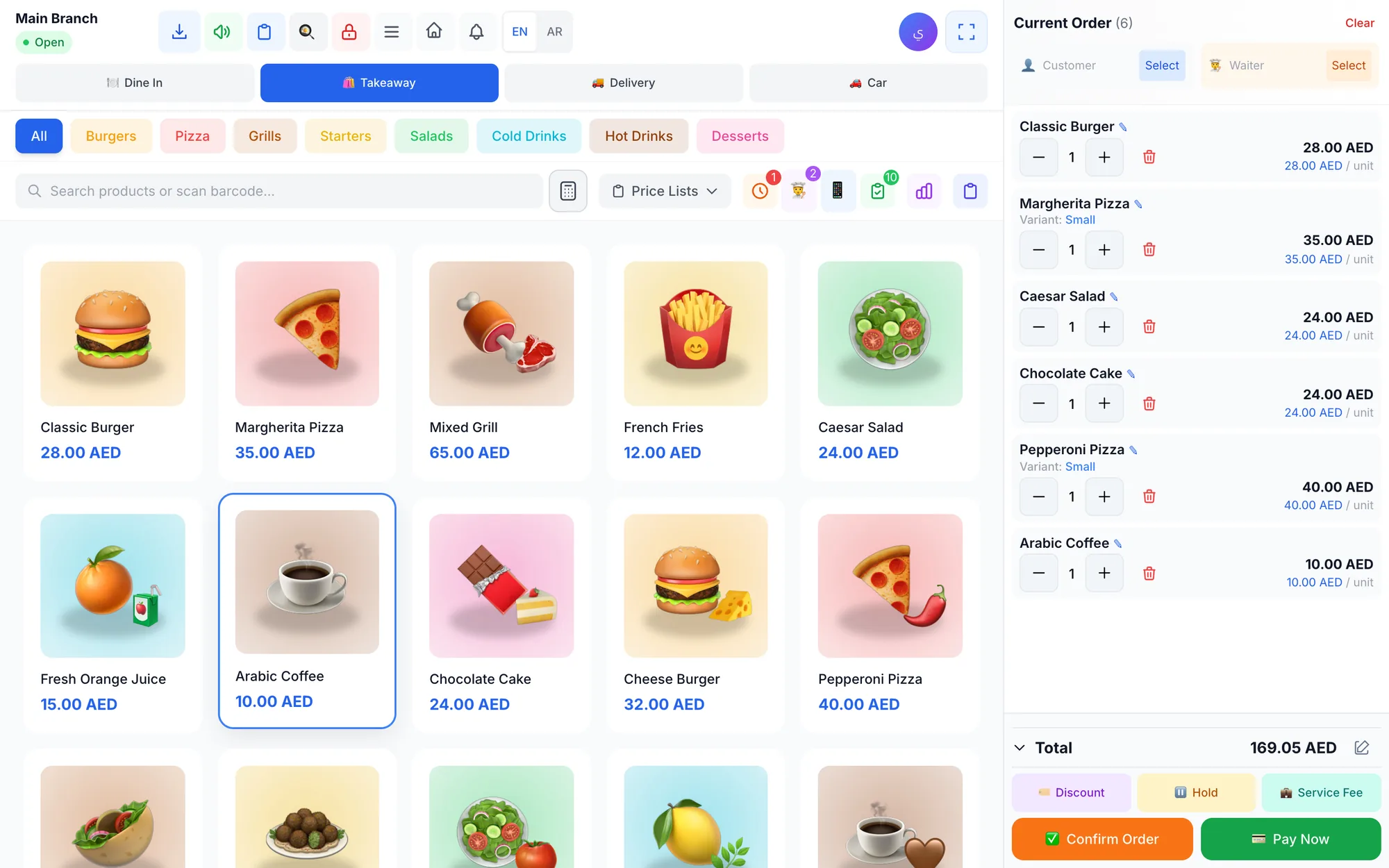
The best POS system is the one that fits how your business really sells: your type of business, the devices you already own, whether it keeps working offline, the languages your team speaks, the reports you need and a price that grows with you. Score every option against these criteria before you sign anything.
Rankings that crown one winner for everyone miss the point. A café in Dubai serving hundreds of coffees before noon needs speed at the counter, a kitchen screen and a loyalty program. A phone shop in Riyadh needs barcodes, repair tickets and a warranty on every unit sold. A laundry in Abu Dhabi needs per-piece pricing and pickup dates. You cannot judge point of sale software the same way for all three.
This guide gives you the criteria that matter, the questions to ask every vendor, the red flags that should end the conversation and a scoring table you can fill in during a free trial.
- Choose by fit, not popularity: start from your business type and your daily workflow.
- Check devices and offline mode early; a POS that stops when the Wi-Fi drops costs you sales.
- Real language support covers staff screens, product names and receipts.
- Compare the total cost over a year: subscription, hardware, setup and payment fees.
- Never commit without testing a real shift during a free trial.
What makes a POS system the best for your business?
Every point of sale system records sales, takes payment and issues a receipt. The differences appear in the details of your day: how many taps an order takes, what happens when the internet drops, whether a cashier can give an unlimited discount, and whether the owner can see today's numbers from home.
Judge every option on these seven criteria, roughly in this order of importance:
- Business fit: features built for your type of business rather than added as an afterthought.
- Speed at the counter: a clear touch screen, quick search and barcode scanning so the queue keeps moving.
- Devices and offline mode: runs on the hardware you have and keeps selling without internet.
- Languages: works in your staff's languages and prints receipts your customers can read.
- Reports and control: sales, stock, cash and profit reports, with permissions and an audit trail.
- Support and onboarding: real people who help you set up products, printers and staff.
- Price and flexibility: clear plans, no long lock-in and room to add branches later.
Which POS features does your type of business need?
Start with the workflow that earns your money. Write down every step from the moment a customer walks in to the moment they leave, then check that the system handles each step without paper notes or workarounds.
Restaurants and cafés
Look for dine-in, takeaway and delivery order types, a table map where you can move and merge tables, and bill splitting between guests. A kitchen display, or printer routing that sends each item to the right station, is essential, and recipe costing lets ingredient stock fall automatically with every dish sold. A waiter app and a QR menu cut trips to the counter at peak times.
Retail stores
You need fast barcode scanning, product variants such as sizes and colours with their own stock, returns that put items back on the shelf, supplier purchase invoices and low-stock alerts. If you sell both wholesale and retail, check for separate price lists.
Salons and beauty centres
Appointments per staff member, choosing who performed each service at checkout, and commission reports per stylist are the core. A staff portal where each person checks their own appointments and commissions saves the manager hours every month.
Laundries and dry cleaners
Look for per-piece prices for each service (wash, iron, dry clean), an order status from received to picked up, notes for stains and special instructions, and a quick way to collect the balance at pickup.
Repair and maintenance centres
You need numbered repair orders, device status, a technician assigned to each job, spare parts with stock tracking and warranties on units sold.
If you run more than one type of business, or plan to, check that a single system covers all of them so you do not pay for two products and two sets of reports.
Will the POS run on your devices and keep selling offline?
Hardware decides much of your real cost. A system that runs in any web browser lets you start on a laptop or tablet you already own. Native apps for Windows, Mac, iPhone, iPad and Android put the right tool on the right screen for owners, cashiers and waiters.
Then ask the question most buyers forget: what happens when the internet goes down? In a busy mall or a street café, connections fail at the worst moment. A good POS for a physical store keeps taking orders and printing receipts offline, then syncs everything when the connection returns. Read our guide to keeping a POS running offline before you decide.
Check the peripherals too:
- Does it work with standard ESC/POS thermal printers over the network and USB?
- Can it route items to separate kitchen or bar printers?
- Will any USB or Bluetooth barcode scanner work, or only the vendor's own?
- Can an ordinary screen or tablet act as a kitchen display?
Hardware that only works with one vendor's devices is one of the most common hidden costs. Prefer systems that accept standard equipment you can buy and replace locally.
Does it work in your team's and customers' languages?
In the Gulf and in many cities worldwide, one shift may include cashiers who read Arabic, Hindi, Malayalam or Filipino, serving customers who expect receipts in Arabic and English. Language support has three layers, and you should test all of them:
- Interface language: each employee uses the screens in their own language.
- Content languages: product names, menus and receipts appear in the languages your customers read.
- Right-to-left layout: Arabic, Persian and Urdu display correctly on screen and on printed receipts.
A system that translates its buttons while product names and receipts stay in one language will still cause mistakes at the counter and in the kitchen.
Which reports and controls should a good POS include?
A POS earns its subscription when it helps you make decisions and protects your cash. At minimum, look for:
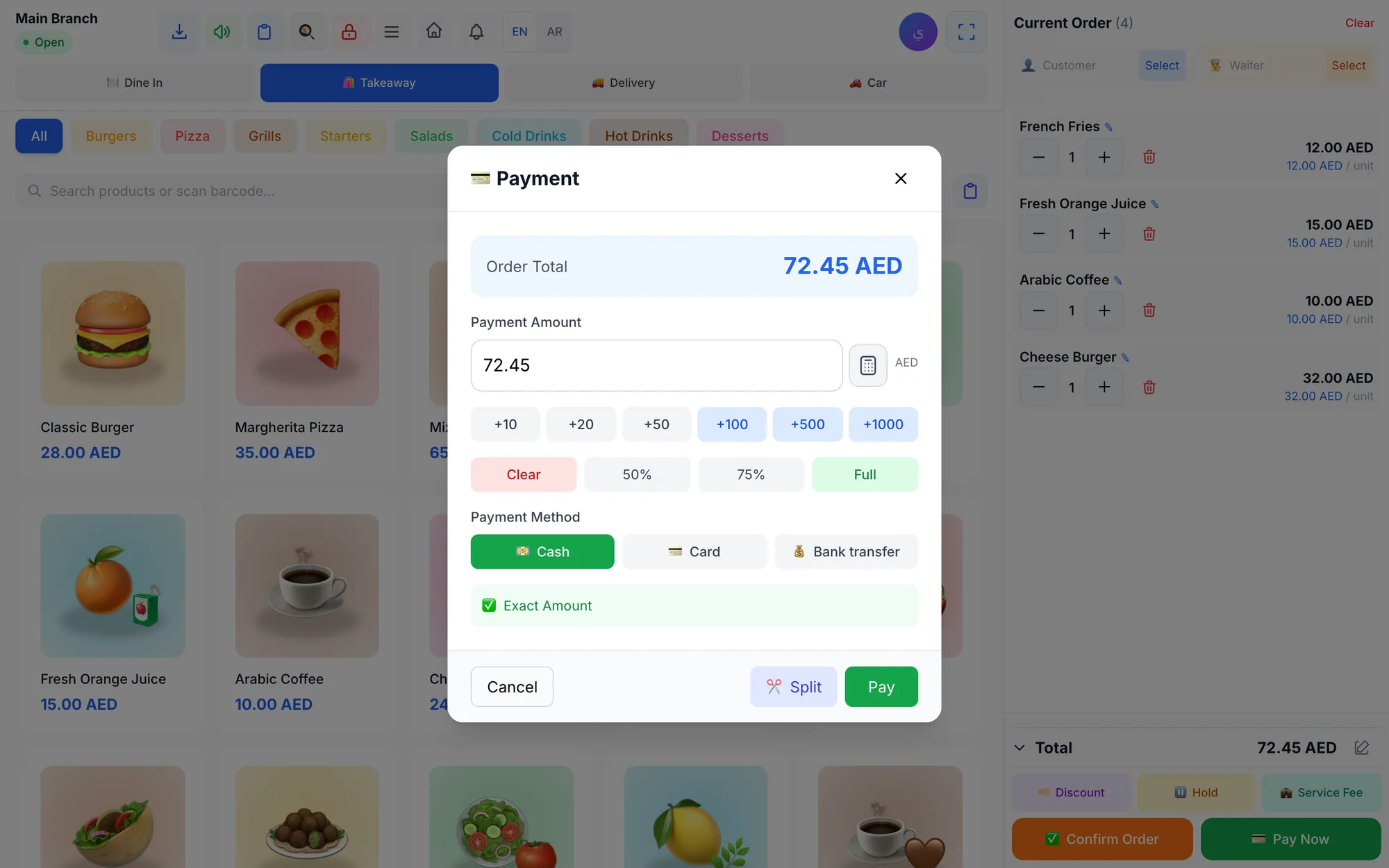
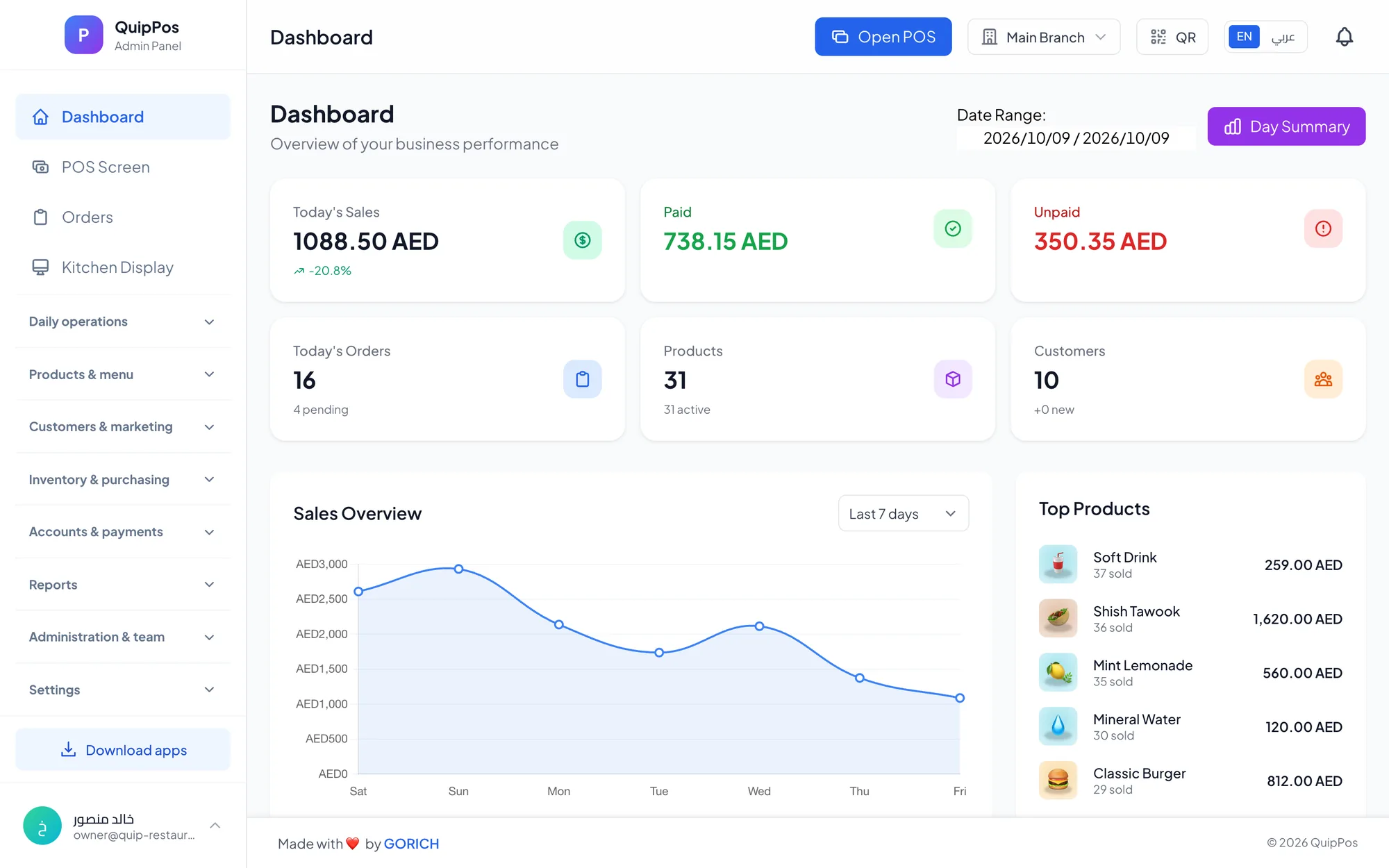
- A live dashboard with today's sales, paid and unpaid orders and best sellers.
- Sales, product, customer, discount, tax and cash reports you can export.
- Profit and loss that includes expenses, not just revenue.
- Shifts opened and closed with a cash count and an over/short result.
- Roles and permissions, so refunds, voids and large discounts need the right person.
- An audit log showing who did what, and when, for sensitive actions.
If you have more than one branch, or plan to, ask to see per-branch prices and stock alongside a combined report for the owner. Switching systems later because you outgrew the first one costs time and money. For the complete list, use our POS features checklist.
How much should you pay for point of sale software?
Most modern POS systems are sold as a monthly or yearly subscription. Older systems sell a one-time licence, then charge separately for updates, support and extra devices. Compare the total cost over twelve months rather than the headline price:
- The subscription, and what changes when you add a branch, a device or a user.
- Hardware: printers, scanners, cash drawers, tablets or screens.
- Setup, product import and staff training.
- Card processing fees, charged by your payment provider.
- Paid add-ons such as online ordering, loyalty or extra modules.
The cheapest option is rarely the best value. A system that saves your cashier ten seconds per order, prevents one unrecorded refund a week or exposes ingredient waste pays for itself quickly. Our breakdown of what a POS system really costs covers each item in detail.
A scoring checklist to compare POS systems
Shortlist two or three systems, run each through a trial with your own products, and score every criterion from 1 to 5. Multiply each score by its weight and add up the totals. The weights below suit a typical single-branch shop or restaurant; adjust them to your priorities.
| Criterion | Weight | How to test it | What good looks like |
|---|---|---|---|
| Business fit | ×3 | Run your real workflow end to end | No paper or workarounds |
| Speed at the counter | ×3 | Time ten typical orders | A few taps per order |
| Offline mode | ×2 | Disconnect the internet mid-sale | Sale completes and syncs later |
| Devices and printers | ×2 | Connect your printer and scanner | Works with standard hardware |
| Languages and receipts | ×2 | Print a bilingual receipt | Both languages, correct layout |
| Reports and permissions | ×2 | Close a test shift | Clear over/short and audit trail |
| Support | ×1 | Ask a setup question | A helpful answer the same day |
| Total yearly cost | ×1 | Add up every cost item | Clear, with no surprises |
A system that scores well overall but fails your core workflow or offline mode should still be dropped. Those two weaknesses hurt every single day.
Red flags that should end the conversation
- No free trial, or a trial that needs a card and a long contract.
- Hardware that only works with the vendor's own devices.
- No offline mode for a business that depends on a counter.
- Prices revealed only after a sales call.
- Exporting your own data is difficult or costs extra.
- No way to limit refunds, voids and discounts per employee.
- Support by email only, with no help during setup.
Where Quip POS fits
Quip POS is a cloud POS built for restaurants and cafés, retail stores, salons and beauty centres, laundries and repair centres. Restaurants get table maps, a kitchen display, a waiter app, recipes and a QR menu. Shops get barcodes, variants, suppliers and a warehouse per branch. Salons get appointments and commissions, laundries get per-piece pricing and order status, and repair centres get numbered repair orders, technicians and warranties. Each workflow is described on the business type pages.
It runs in any browser, as a desktop app for Windows and Mac that keeps selling and printing offline and syncs when the connection returns, and as apps for iPhone, iPad and Android. The whole system works in 20 languages with full right-to-left support, and product names and receipts use two content languages you choose, such as Arabic and English. It works with standard ESC/POS thermal printers and any USB or Bluetooth barcode scanner.
For control, you get shifts with a cash count and over/short report, permission-based refunds and voids with a required reason, an audit log and reports up to profit and loss. Plans start from AED 29 per month, yearly billing costs ten times the monthly price, and you can change plans any time; compare them on the pricing page. The team also helps you add products, connect printers and train staff over WhatsApp or phone.
How to make your final decision
Pick your top two systems, fill in the scoring table during a real trial week, and ask your busiest cashier which one they would rather use on a Friday night. If Quip POS is on your list, open the live demo to explore a ready company for your business type in a minute, then start a 14-day free trial with no card and test it with your own products, printer and team.
Frequently asked questions
What is the best POS system for a small business?
Is a cloud POS better than a traditional POS?
How much should I pay for a POS system?
What features should a good POS system have?
Can I run a POS system on an iPad or Android tablet?
How long does it take to set up a new POS system?
Talk to the Quip POS team
Tell us about your business and we will show you the right setup, help you add your products and connect your printers.
Related articles
 POS guides
What Is a POS System? A Complete Guide for Business Owners
A plain-language guide to POS systems: the hardware and software, what happens at checkout, how stock and reports work, cloud vs local, and who needs one.
 POS guides
POS System in the UAE and Gulf: How to Choose the Right One
What businesses in Dubai, Abu Dhabi, Riyadh and Doha need from a POS system: bilingual receipts, staff languages, tax reports, AED pricing, WhatsApp and local support.
 POS guides
How Much Does a POS System Cost? Plans, Hardware and Hidden Costs
A clear breakdown of what a POS system costs: subscription or licence, hardware, setup, training and card fees, the hidden costs to avoid and how to calculate the real total.