




















POS for Bakeries and Sweet Shops: A Practical Guide
A bakery POS should speed up the counter, manage variants, track recipe cost, hold pre-orders until pickup and record wastage. Here’s what to look for.
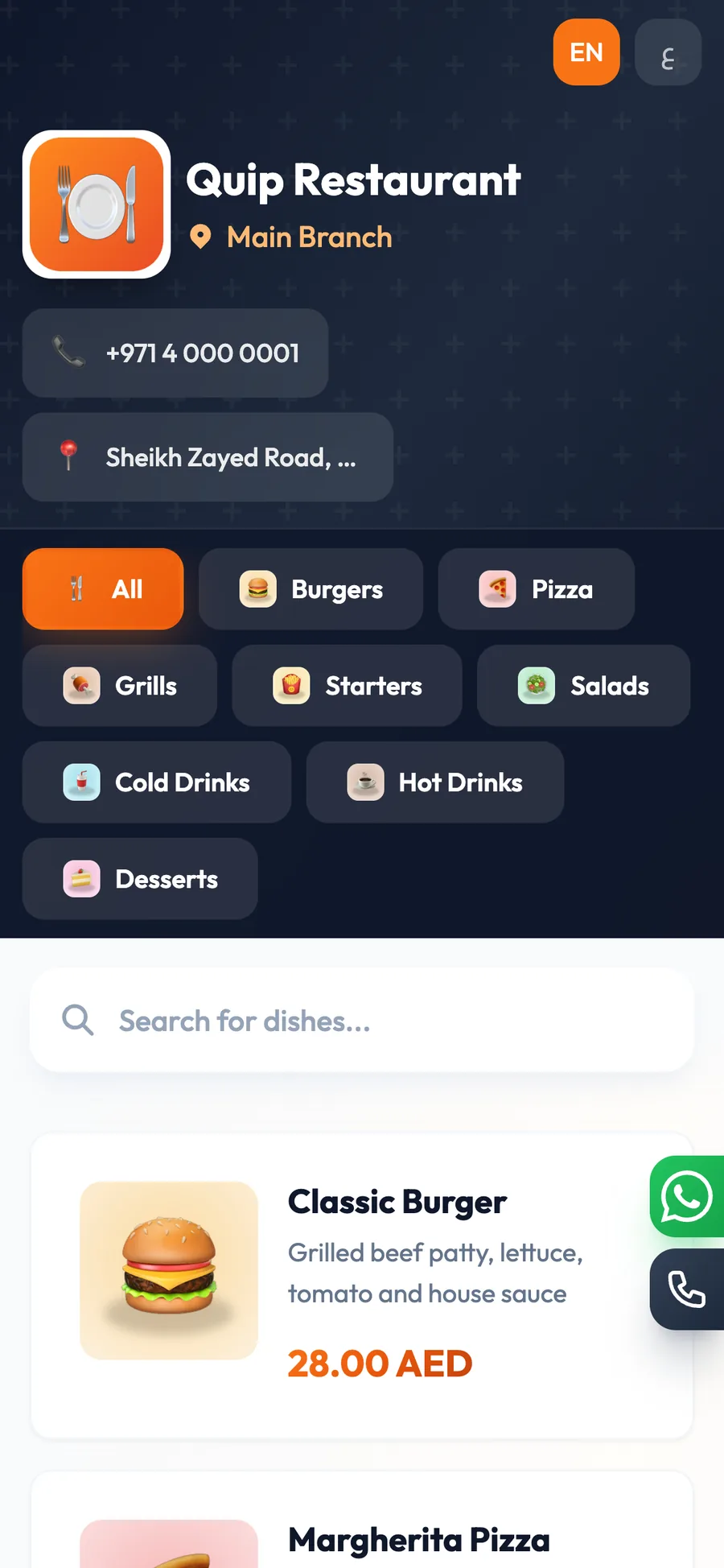
POS for bakeries and sweet shops should make counter sales fast, keep weighed and packed items organised, track recipe cost, and hold pre-orders until pickup. A good system helps your team move quickly during the morning rush while still showing what was sold, what is ready, and what needs to be written off.
In a bakery, the same counter may sell croissants by piece, cakes by size, trays of baklava, and custom orders collected later. If the software cannot handle those differences cleanly, staff lose time and owners lose visibility. That is why the right pastry shop system needs both speed and control.
This guide explains what to look for in a bakery POS, how to set up variants and recipes, how to manage pre-orders and wastage, and which reports matter most at the end of the day.
Fast counter flow matters more than long menus.
Variants are essential for sizes, flavours, boxes, and tray counts.
Recipe costing helps you see margin on each pastry or cake.
Held orders and pickup tracking reduce missed pre-orders.
Waste and adjustments should always be recorded with reasons.
What a bakery POS must do at the counter
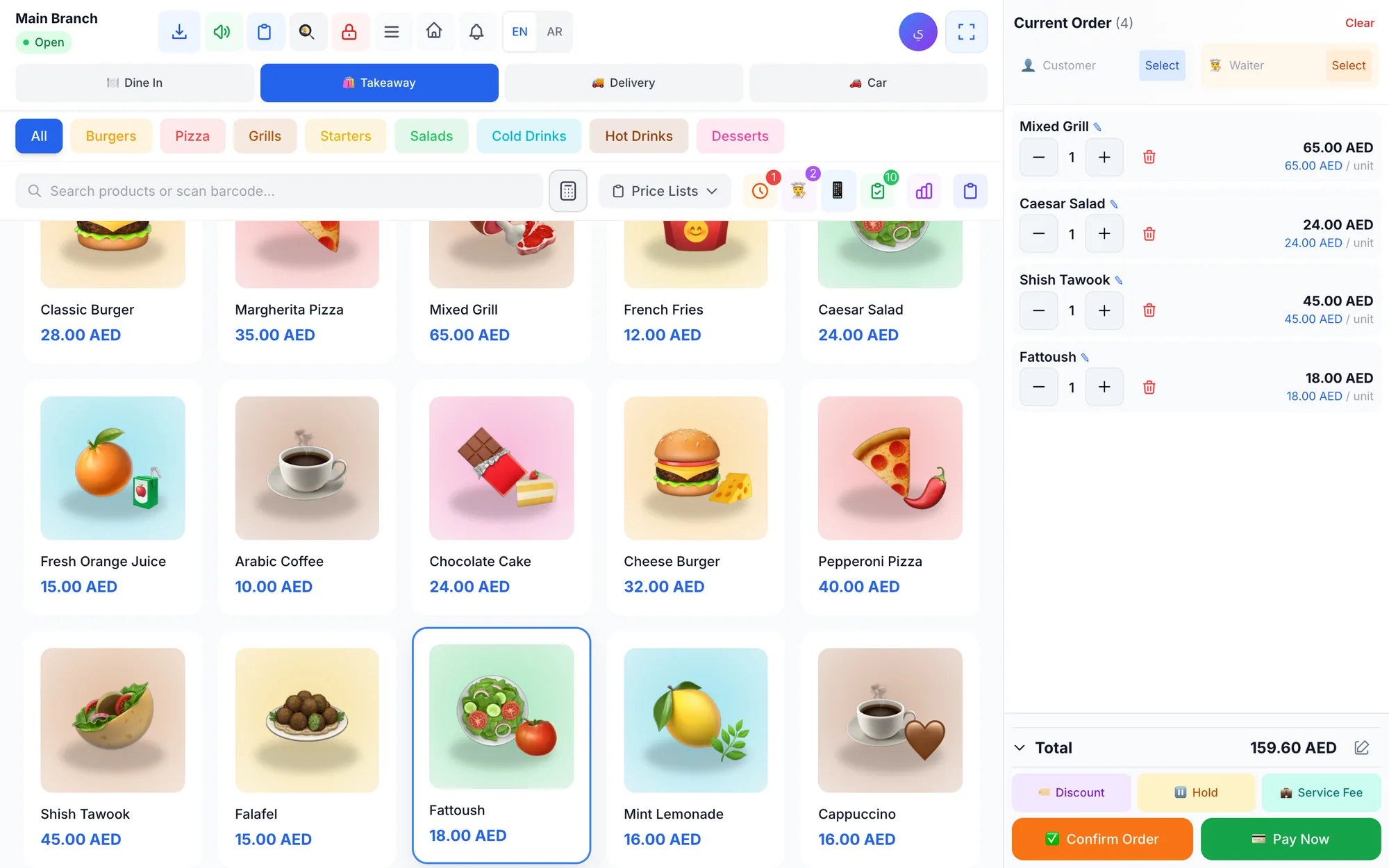
The counter is where a bakery wins or loses time. During the morning rush, staff should be able to tap a category, find an item fast, take payment, and print the receipt without hunting through screens. A bakery POS should feel like a quick service tool, not a complicated office system.
Look for a touch-friendly screen with colour-coded categories, search, barcode support, and item photos. Those details matter when a cashier is dealing with a line of customers asking for sandwiches, pistachio croissants, mini tarts, and gift boxes at the same time.
It also helps when the checkout supports mixed payments. One customer may pay part cash and part card, another may leave a balance for later pickup, and a third may use a promo code for a small discount. The system should handle those cases without slowing the queue.
- Quick category buttons for bread, pastries, cakes, sweets, drinks, and add-ons.
- Search and photos so staff can find items even when the menu grows.
- Barcode support for packaged goods and boxed items.
- Split and mixed payments on one bill.
- Manual discounts with a per-branch limit.
- Held orders, unpaid balances, and receipt printing at the counter.
- Shift opening and closing with a cash count and over/short report.
How to handle weighed items, packed items, and variants
Bakeries rarely sell only one kind of unit. A sweet shop may sell a pastry by piece, a box of six by pack, a tray by weight, and a special cake by size. The software must keep those variations clear so staff do not have to guess the price or retype details every time.
Variants are the cleanest way to manage this. A chocolate cake can have sizes, a baklava box can have pack counts, and a croissant line can have filling options or flavours. Each variant should carry its own price and stock so the counter does not need workarounds.
The best setup is simple enough for a new cashier to learn quickly. If every product has the right unit, name, and photo, the team can move through the line faster and owners can review sales later without confusion.
| Item type | How to set it up | What to track | Why it helps |
|---|---|---|---|
| Single pastry | One item per piece | Price, stock, photo | Fast one-tap selling |
| Boxed sweets | Variant by pack size | 6-pack, 12-pack, 24-pack | Clear pricing at the counter |
| Custom cake | Variant by size or flavour | Price, notes, pickup date | Less confusion on made-to-order jobs |
| Tray item | Variant by tray size | Tray count and stock | Better stock control for bulk orders |
If you sell both retail and made-to-order items, keep the naming consistent. A customer should see the same product name on the menu, the receipt, and the pickup note. That reduces mistakes when the shop gets busy and the counter, prep area, and cash drawer all move at once.
Why recipe costing matters for bakeries and sweet shops
Recipe costing is one of the most useful tools for a bakery because many products are made in batches and can look profitable on the shelf even when ingredient waste is high. When each item is linked to its ingredients, the system can deduct stock automatically and show the cost and margin of each dish or product.
That matters for sweets that use expensive ingredients or multiple layers of production. A cake may need flour, sugar, butter, cream, nuts, toppings, and packaging. If you do not track the recipe, you may know the selling price but not the real cost of making it.
Recipe costing also helps when your team changes production volume. If you bake more trays on weekends, add seasonal products, or run a special box for holidays, you can compare the ingredient cost before you commit to the price.
- Link each product to the ingredients it consumes.
- Track the cost of every recipe, not only the final sale price.
- Review margin when ingredient prices change.
- Use recipe data to decide which products deserve a permanent place on the menu.
- Check whether slow-moving items are worth the space, labour, and ingredients they consume.
For example, if one dessert tray sells well but uses costly ingredients and leaves high waste, the recipe data helps you see that problem early. If another item sells fewer units but has a healthier margin, you may want to promote it more often or place it closer to the register.
Managing pre-orders and pickup times without confusion
Bakery customers often order ahead for birthdays, office meetings, parties, or holiday gatherings. The shop needs a way to keep those orders open until pickup, with the right notes attached so the team knows exactly what to prepare. A good workflow protects both the customer promise and the production schedule.
Held orders are useful here. Instead of treating every pre-order like an immediate sale, the cashier can keep it open, collect any balance later, and release it when the customer arrives. That is better than writing details on paper and hoping the note survives a busy shift.
Use pickup notes for the details that matter most: size, flavour, decoration, box count, collection time, and any special instructions the team should not forget. If the order is paid in stages, the remaining balance should stay visible until the final pickup.
- Take the pre-order with the correct item, size, and pickup date.
- Add notes for decoration, packaging, and any special request.
- Keep the order open until collection instead of closing it too early.
- Show any unpaid balance clearly so the team can follow up.
- Release the order only when the customer collects it.
This is especially helpful for cakes and sweet boxes that are made to a schedule. On a crowded day, the team can see what is still waiting, what is ready, and which customer should be served next without searching through handwritten notes.
How to track wastage and stock adjustments properly
Wastage is part of every bakery, but it should never disappear into the background. A tray that was overbaked, a decoration that broke, a custom order that was cancelled, or a product that went stale should be recorded with a reason. Otherwise, the business cannot see where profit is leaking.
A clear process matters even more when different branches make their own items or when one location has a faster sell-through than another. If the owner can compare branch stock, sales, and adjustments, it becomes easier to decide what to produce and what to reduce.
Record waste at the end of the shift or whenever the item leaves sellable stock. Use a reason every time, and make sure managers understand the difference between a genuine write-off, a mistake, and a change in plan. That keeps the numbers honest.
- Separate stale stock, damaged items, production errors, and cancelled orders.
- Use stock adjustments with reasons instead of informal guesses.
- Check low-stock alerts so you do not run out of popular items during peak hours.
- Compare waste against best-sellers to see whether production levels are too high.
- Keep branch-level stock accurate if you operate more than one location.
A bakery that watches waste closely can adjust production before it becomes a habit. For example, if mini desserts sell well in the afternoon but not late at night, it may make sense to bake smaller batches later in the day and keep the main production for the morning rush.
What reports and controls matter most to the owner
A bakery or sweet shop needs more than sales totals. Owners want to know what sold, what stayed unpaid, which items performed well, where discounts were given, and how cash matched the shift close. The best system gives that view without making the manager chase separate spreadsheets.
Permission control is just as important. The person taking orders should not have the same access as the owner who reviews refunds, discounts, and shift reports. Sensitive actions should be permission-based and logged, so everyone knows who did what and when.
If you have more than one branch, make sure each location can keep its own settings, prices, and stock while the owner still sees combined reports. That is the easiest way to run a growing bakery without losing control of the numbers.
- Sales, products, customers, discounts, cash, cash flow, and profit and loss reports.
- Live dashboard for today’s sales, paid and unpaid orders, and best sellers.
- Cashier, manager, and owner roles with PIN sign-in.
- Refunds and voids only with permission and a required reason.
- Audit log for sensitive actions.
Daily control should be simple: check the cash count, review discounts, confirm unpaid balances, and compare the best-selling items with what was actually produced. That routine gives the owner a clearer picture than waiting until the end of the week.
How Quip POS fits a bakery or sweet shop
Quip POS is a multilingual cloud POS for restaurants and cafés, retail stores, salons and beauty centres, laundries, and repair and maintenance centres. For a bakery or sweet shop, the useful part is that it handles fast counter sales, made-to-order items, branches, stock, and reporting in one system.
You can use it in any web browser with no install, or on the Windows and Mac desktop app that keeps selling and printing offline and syncs orders when the connection returns. There are also apps for iPhone and iPad, plus Android phones and tablets for waiters, cashiers, and managers.
The system works in 20 languages with full right-to-left support, and product names, receipts, and menus use the two content languages you choose. That helps when your team serves customers in more than one language and you want the same item names everywhere.
For bakery-style operations, the most relevant parts are the touch POS screen with colour-coded categories, search, barcode, and item photos; variants with their own price and stock; recipes linked to ingredients; held orders and unpaid balances; cash count at shift close; full or partial refunds and voids with a required reason; multi-branch settings and stock; and reports for sales, products, cash flow, and profit and loss.
If you want to compare the feature set before you decide, start with our POS features checklist, read recipe costing and food cost control, and see how much a POS system costs. You can also review the restaurant solution, check pricing, or open the live demo.
Launch checklist before you go live
Before you start using any bakery POS in a real shop, spend a little time on setup. That is what makes the first busy day easier, because the team is not learning the system while customers are waiting in line.
- Create your categories first: breads, pastries, cakes, sweets, drinks, and add-ons.
- Enter each product with the correct name, photo, unit, and price.
- Set up variants for box sizes, cake sizes, flavours, or tray counts.
- Link recipes to ingredients for the products you want to cost accurately.
- Decide which staff members can discount, refund, void, or close shifts.
- Test a real workflow: sale at the counter, pre-order held for pickup, and end-of-day cash count.
- Review the first reports and adjust any product naming or pricing that looks unclear.
Once those basics are in place, the system should feel natural to the team. The cashier can work faster, the kitchen or prep area can see what is due, and the owner can track sales, stock, and cash with fewer surprises.
If you want to see the workflow before you commit, try the 14-day free trial or open the live demo and explore a ready company for a bakery, retail shop, salon, laundry, or repair business.
Frequently asked questions
What is the best POS for a bakery or sweet shop?
Can a bakery POS handle weighed items and packed items?
How do I manage custom cake pre-orders in a POS?
Why does recipe costing matter in a pastry shop system?
How should I record bakery wastage?
Do I need separate software for counter sales and made-to-order cakes?
Talk to the Quip POS team
Tell us about your business and we will show you the right setup, help you add your products and connect your printers.
Related articles
 Restaurants & cafés
Opening a Restaurant: Technology and Operations Checklist
Before you open a restaurant, make sure your menu, printers, kitchen screens, staff roles and payment methods are ready. This checklist helps you test service before day one.
Restaurants & cafés
Table Management for Restaurants: Map, Move, Merge and Split Bills
Learn how to organise restaurant tables with zones, move and merge parties smoothly, and split the bill without slowing service. Practical tips for faster turnover and fewer mistakes.
 Restaurants & cafés
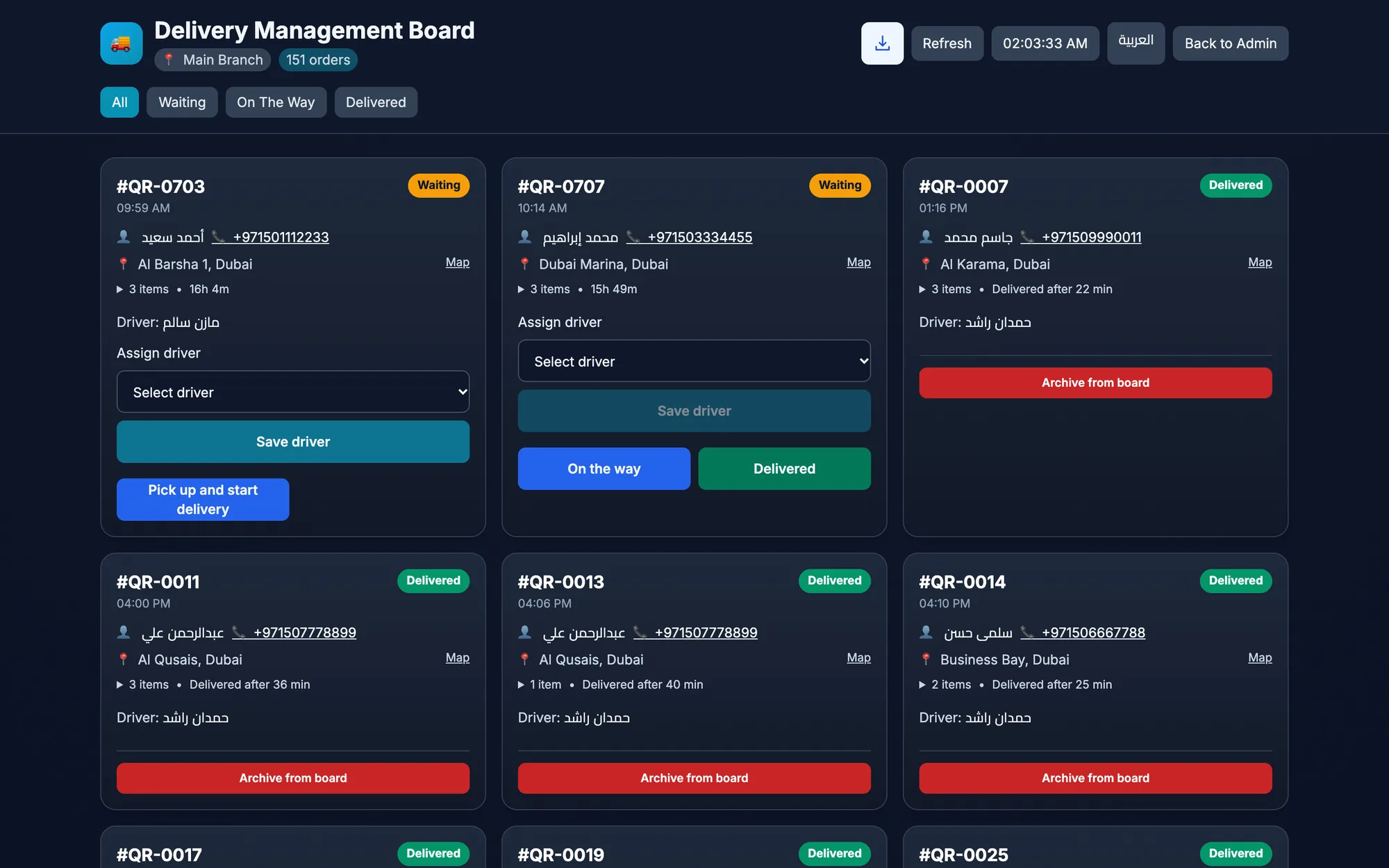
Delivery-Only Kitchen POS: How to Set Up a Dark Kitchen
A delivery-only kitchen POS keeps orders, prep, drivers, and channel reports in one flow. Learn how to set up a cloud kitchen or dark kitchen for speed and control.