




















Warranty Tracking for Repair Centres and Electronics Stores
A practical guide to warranty management for repair centres and electronics shops: what to record, how to check claims at the counter and how to stop warranty abuse.
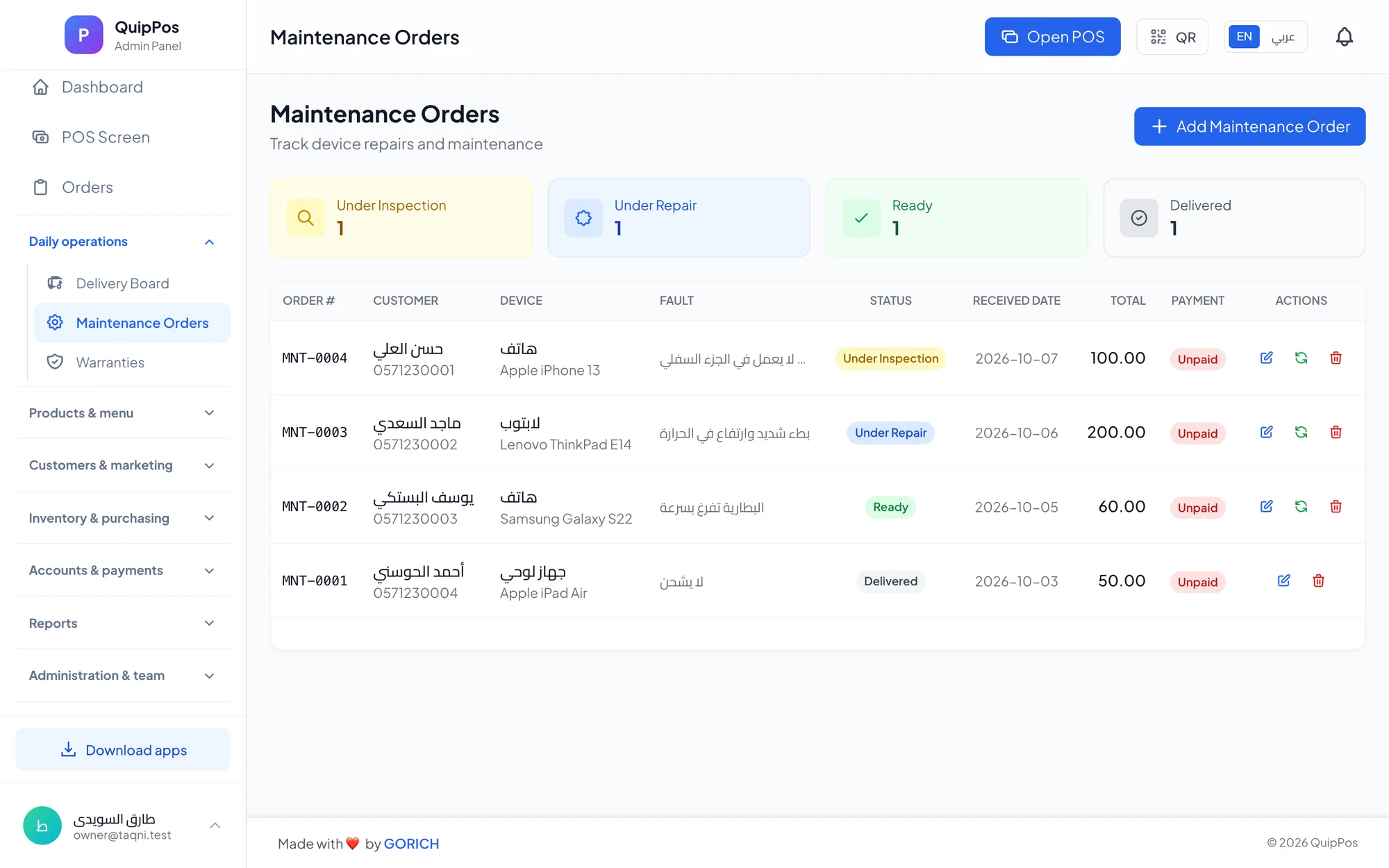
Warranty tracking means recording a warranty against every unit you sell, with its start date, length and terms, so your staff can confirm in seconds whether a returning customer is covered. Good warranty management also cancels the warranty automatically when the sale is refunded, which closes the most common loophole in electronics and repair businesses.
Picture a Saturday afternoon in a phone shop in Riyadh. A customer puts a power bank on the counter, says it stopped charging and that they bought it “a few weeks ago”. Without a record, your cashier either digs through paper invoices, trusts the customer’s memory or simply replaces it. Each option costs you time, money or credibility.
This guide explains which warranties to track, what each record should contain, how to handle a claim at the counter, why refunds must cancel cover, and how to use warranty data to buy better parts and train technicians.
- Record a warranty per unit sold, linked to the invoice and the customer, not on a loose paper card.
- Store the start date and the length so the end date is never a guess.
- Cancel cover automatically when a sale is refunded.
- Follow the same claim steps at the counter every time, and log each claim as a new job.
- Review claims every month by product, supplier and technician.
Why does warranty tracking matter for repair centres and electronics stores?
A warranty is a promise with a cost attached. Every claim you accept means a part, a replacement unit or a technician’s hour that nobody pays for. Accept claims you should refuse and you give away margin; refuse claims you should accept and you lose a customer and invite bad reviews.
The trouble is rarely bad intent. It is missing information: the invoice cannot be found, the start date is unclear, or nobody remembers whether the unit was already returned. A warranty system replaces those arguments with a record that the cashier and the customer can both look at.
For electronics retailers, warranties are also a selling point. A clear, well-handled warranty is one reason a customer buys a phone or a laptop from your shop rather than from a cheaper stall down the street.
What types of warranty should you track?
Most electronics and repair businesses deal with several kinds of cover at once. Know which one applies before you promise anything.
| Type | Given by | Usually covers | Example |
|---|---|---|---|
| Manufacturer warranty | The brand | Factory defects | A new laptop that will not power on |
| Store warranty | Your shop | Defects in items you sell | A charger or power bank |
| Repair warranty | Your workshop | Your workmanship and fitted parts | A replaced screen that stops responding |
| Extended warranty | Your shop or a provider | Defects after the standard period | A paid extra year on a TV |
The length and terms of store and repair warranties are your business decision, but minimum rights for buyers differ from country to country, so check your local consumer rules before you set them.
What should a warranty record include?
A useful warranty record answers every question the counter will be asked. At a minimum, capture:
- The customer: name and phone number, so you can find the record without the receipt.
- The item and the unit: the product and, for devices, the serial number or IMEI written on the invoice or the repair order.
- The sale: invoice number, date, branch and the staff member who made the sale.
- The cover: start date, length and the resulting end date.
- The terms: what is covered and what is excluded, such as liquid damage, drops or a broken seal.
- The status: active, expired, claimed or cancelled after a refund.
If staff have to ask the customer for any of these details during a claim, the record is incomplete. Fix the gap at the point of sale, not at the point of complaint.
How do you check a warranty claim at the counter?
Use the same steps every time, whoever is on shift. Consistency is what makes customers accept a “no” and staff confident about a “yes”.
- Find the original sale. Search the customer by phone or name and open the purchase in their history.
- Confirm it is the same unit. Compare the serial number, IMEI or product with what was sold.
- Check the dates. Is today before the end date of the cover?
- Check the status. Was the unit refunded, exchanged or already replaced under warranty?
- Inspect for exclusions. Look for liquid indicators, cracks, tampering or missing seals, and note what you find in front of the customer.
- Decide and explain. Repair, replace or refuse, and tell the customer why, referring to the terms they received.
- Log the claim. Open a new repair order for the warranty job, even if the customer pays nothing, so parts and technician time stay visible.
Step seven matters more than it looks. Warranty work that is never recorded makes your repair margin look better than it is and hides the products that keep coming back.
What about borderline cases?
Some claims are not clear-cut: a phone with a faint liquid indicator, a charger with a slightly bent connector, a claim two days after the end date. Decide in advance who can approve exceptions, usually the manager, and record the reason on the repair order.
A goodwill repair for a loyal customer can be a smart decision, but it should be a visible one. If exceptions are made quietly at the counter, they become the real policy.
Why should a refund cancel the warranty automatically?
The classic loophole works like this: a customer buys a device, returns it for a refund, keeps a copy of the receipt, and later presents that receipt with a similar unit for a free repair or replacement. In a busy shop, staff check the date on the paper and accept the claim.
When the warranty lives on the unit sold and the system cancels it the moment the sale is refunded, that paper is worthless. The counter sees a cancelled warranty and the reason behind it. With partial refunds, the right behaviour is that only the returned units lose their cover, while the rest of the invoice stays protected.
Pair this with refund permissions and a required reason for every refund, and you remove one of the easiest ways for warranty costs and refund fraud to grow unnoticed. Our guide to reducing employee theft and mistakes at the POS covers the permission side in detail.
How should you write warranty terms customers understand?
Short, specific terms prevent most disputes. Write them once, train every staff member on them, and give them to the customer at the time of sale, not when they come back angry.
- State the length in plain words: “6 months from the date of purchase”.
- List what is covered: “manufacturing defects in the device and the parts we fitted”.
- List the main exclusions: liquid damage, physical damage, opening by another shop, software changes.
- Say what the customer must bring: the device and their phone number or invoice.
- Explain the remedy: repair first, replacement if repair is not possible, refund only where your policy or local rules require it.
A laptop repair centre in Abu Dhabi that sends the invoice and its terms right after pickup rarely argues about exclusions later, because the customer has had them in writing from day one.
How can warranty data help you cut costs?
Once every claim is recorded, warranties become a source of insight rather than a cost you quietly absorb. Review these numbers every month:
- Claims by product: a model of earphones with frequent claims may not be worth stocking.
- Claims by supplier: evidence to negotiate replacements or switch suppliers for screens and batteries.
- Claims by technician: repeat repairs on the same job point to training needs, not blame.
- Cost of warranty work: parts and time spent on free jobs compared with repair revenue.
An electronics shop in Doha that drops one unreliable charger model after three months of claims data often saves more than any discount it could negotiate.
How Quip POS tracks warranties
Quip POS records a warranty per unit sold, so cover is tied to the actual sale rather than to a separate card or spreadsheet. If that sale is refunded, the warranty is cancelled automatically, which closes the refund loophole described above.
- The customer database keeps every purchase per customer, so the counter can find the original sale quickly.
- Full or partial refunds require a reason and are controlled by permissions, and every sensitive action appears in the audit log.
- Repair centres also get numbered repair orders per branch, a technician assigned to each order, spare parts with stock tracking and priced services; see the repair and maintenance solution and our guide to repair shop software.
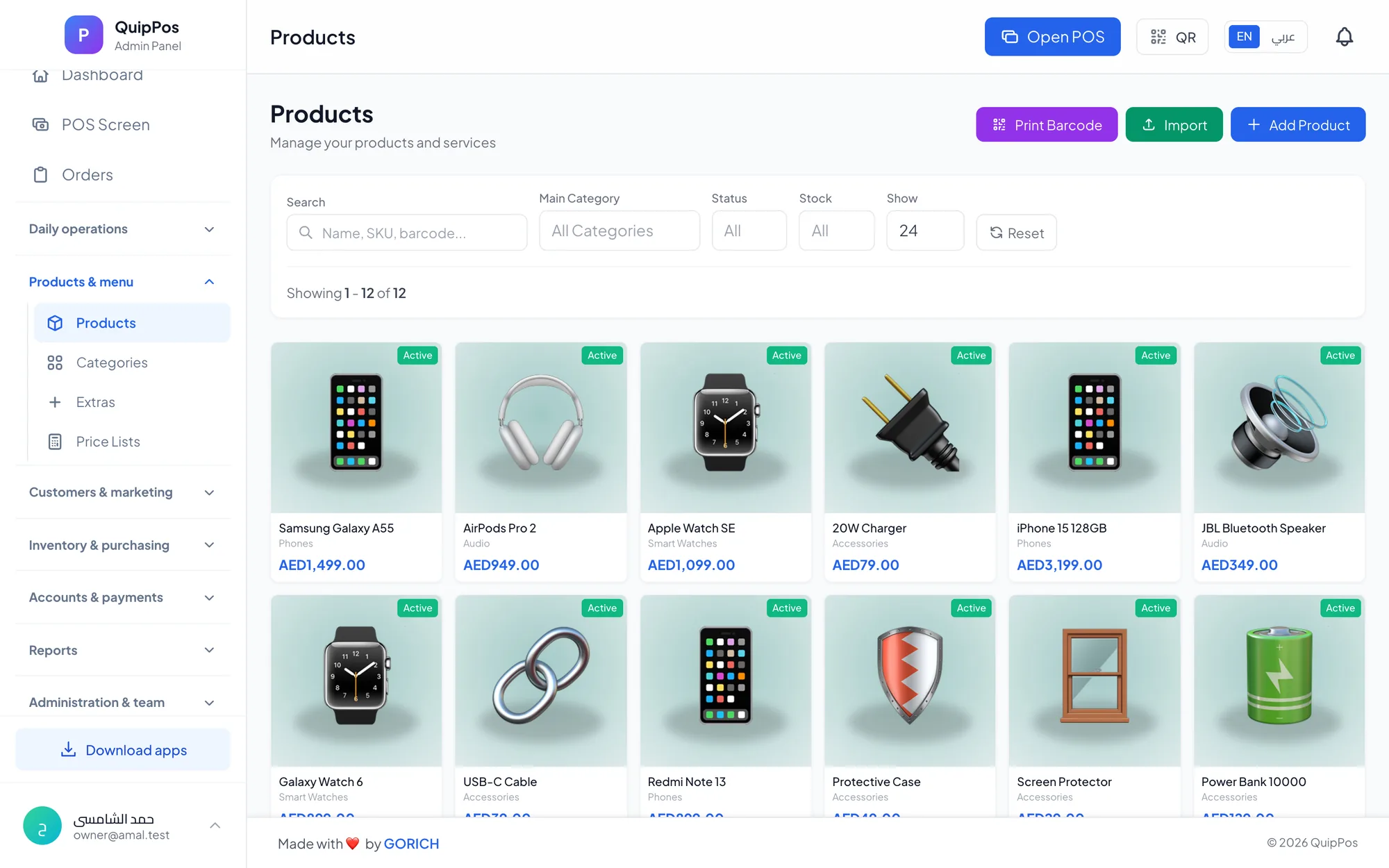
- Electronics stores get barcode scanning, variants, suppliers and low-stock alerts; read more about POS for mobile phone and electronics shops.
- Receipts can be printed or sent on WhatsApp from your own number through QuipWhats.
Next step: test a warranty claim from start to finish
The best way to judge a warranty system is to play out a real claim. Open the live demo of a repair company, sell a unit, refund it and watch what happens to its warranty. Then start your 14-day free trial with no card, add your own products and run your next real claims through it.
Frequently asked questions
How do you keep track of product warranties?
How long should a repair warranty be?
Does a refund cancel the warranty?
What is the difference between a manufacturer warranty and a store warranty?
What should I do if a customer lost the receipt?
Can one system handle sales, repairs and warranties together?
Talk to the Quip POS team
Tell us about your business and we will show you the right setup, help you add your products and connect your printers.
Related articles
Repair & maintenance centres
Repair Shop Software: Repair Orders, Technicians and Spare Parts
How to run a repair or maintenance centre with numbered repair orders, clear device status, technician assignment, spare parts stock and priced services.
 Retail stores
Flower Shop POS for Gift, Chocolate and Bouquet Orders
A flower shop POS should handle bouquets, chocolates, gift bundles, delivery, and deposits without slowing checkout. This guide shows what to set up before busy seasons.
 Restaurants & cafés
Opening a Restaurant: Technology and Operations Checklist
Before you open a restaurant, make sure your menu, printers, kitchen screens, staff roles and payment methods are ready. This checklist helps you test service before day one.