




















Laundry POS System: Track Every Piece From Drop-off to Pickup
How a laundry POS system works: per-piece prices for wash, iron and dry clean, order status from received to picked up, notes per piece, fast search and unpaid balances.
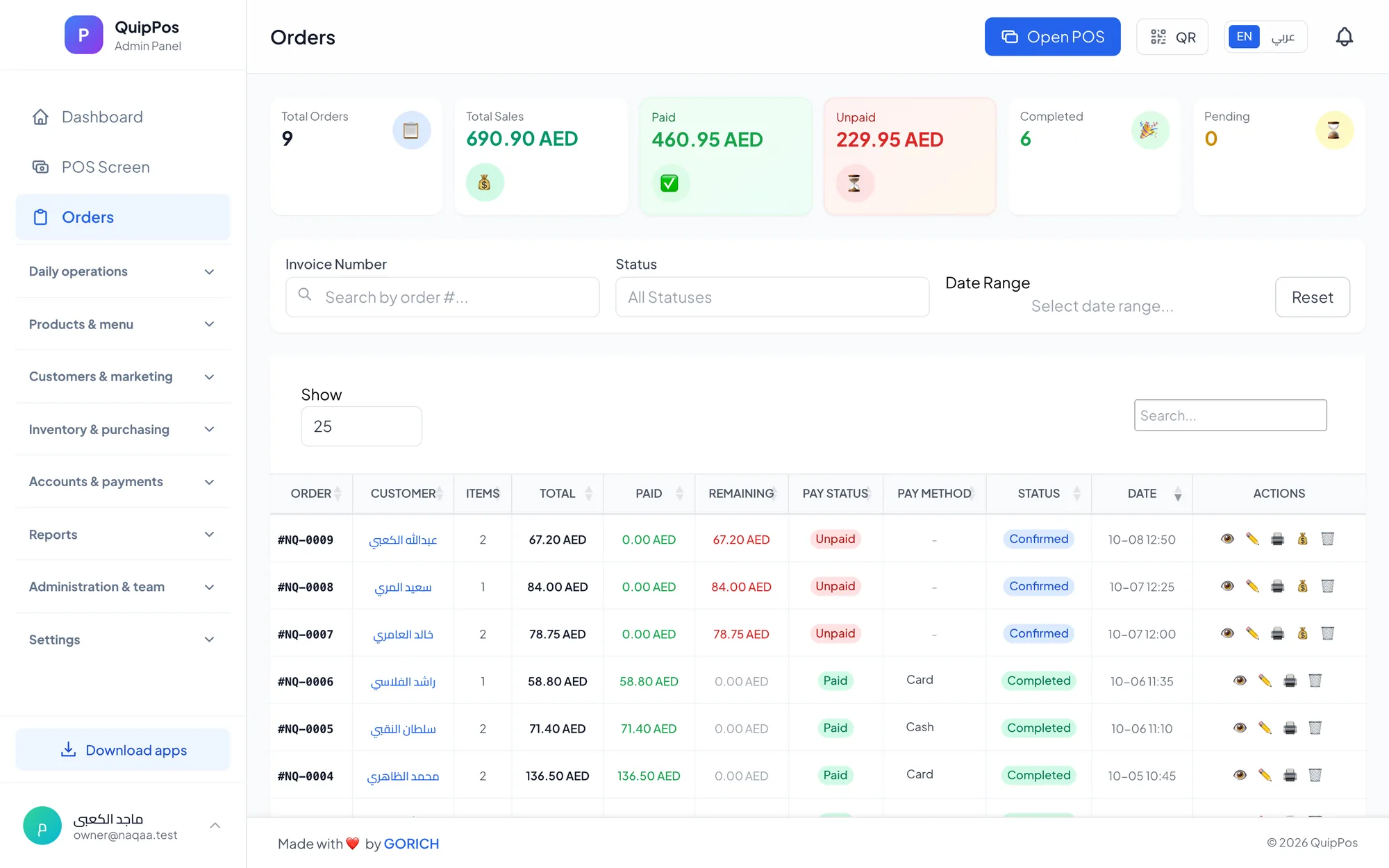
A laundry POS system is software that records every piece a customer drops off, prices it per service such as wash, iron or dry clean, follows the order through received, in progress, ready for pickup and picked up, and collects any balance when the customer returns. It replaces handwritten tickets and ends the question, “Where is my shirt?”
Picture a busy laundry in Abu Dhabi on a Saturday morning. A family drops off fourteen kanduras, six shirts and a duvet. The phone rings: a customer wants to know if his suit is ready. Another customer arrives without his ticket and remembers only that he paid half. With a paper book, each of these moments costs minutes and goodwill.
Laundries, ironing shops and dry cleaners sell time and trust. Customers hand over clothes they care about and expect them back clean, on time and complete. This guide explains what a laundry POS system should do, how to set up your prices, and how to run the counter so nothing gets lost and every dirham is collected.
- Price every item per piece and per service, so the counter never guesses.
- Move each order through clear statuses, with a pickup date the customer agreed to.
- Write notes per piece for stains, damage and special instructions before the item goes in.
- Find any order in seconds by order number, customer name or phone.
- Filter unpaid orders and collect the balance on pickup.
What is a laundry POS system, and who needs one?
A laundry POS is the counter software of a laundry business. It is where orders are created, priced, paid and handed back. Unlike a shop POS that sells an item and forgets it, a laundry POS keeps every order open until the customer collects it, often days later.
You need one if you run any of these:
- A neighbourhood laundry that washes and irons daily wear such as shirts, kanduras and abayas.
- An ironing or pressing shop with high volume and low prices per piece.
- A dry cleaner handling suits, dresses and delicate fabrics.
- A laundry with several branches or collection points that need one shared view of orders.
- A laundry serving regular customers such as families, bachelors' accommodation or small businesses.
Why do laundries lose money without a proper system?
Most laundry losses are not dramatic. They are small leaks that repeat every day until they add up.
- Lost or mixed-up pieces: a shirt ends up in the wrong bag because the ticket was unclear.
- Stain disputes: a customer claims a mark appeared in your care, and you have no record that it was there before.
- Inconsistent prices: two staff members charge different amounts for the same blanket.
- Forgotten balances: a customer paid a deposit, collected later, and nobody asked for the rest.
- Uncollected orders: finished clothes sit on the rail for weeks, taking space and tying up money.
- No view of the workload: the team cannot see how many orders are due tomorrow.
A laundry POS closes each of these leaks with a simple rule: every piece, price, note, status and payment is recorded in one place.
How to set up per-piece pricing for wash, iron and dry clean
Your price list is the foundation. Set it up once, carefully, and the counter becomes fast and consistent. The usual approach is a price per piece for each service.
| Item (example) | Wash and iron | Iron only | Dry clean |
|---|---|---|---|
| Shirt | AED 6 | AED 3 | AED 10 |
| Kandura | AED 8 | AED 4 | AED 12 |
| Abaya | AED 10 | AED 5 | AED 15 |
| Two-piece suit | Not offered | AED 12 | AED 30 |
| Duvet (double) | AED 35 | Not offered | AED 50 |
These prices are only examples; set yours based on your costs, area and competition. A few setup tips make a big difference:
- Add a photo to each item so staff tap the right garment type on the screen instead of searching a long list.
- Group items into categories such as men, women, household and children, each with its own colour.
- Name items clearly in the two languages your customers read, for example Arabic and English.
- Review prices every few months using your sales report, especially for items that take the most time.
How to receive a laundry order step by step
The drop-off is where most problems start or are prevented. A clear routine takes a minute or two and saves hours of searching later.
- Find the customer by phone number or create a new one with name, phone and, if you collect or deliver, an address.
- Add each piece by tapping its photo and choosing the service: wash, iron or dry clean.
- Inspect and add notes per piece: a coffee stain on the left sleeve, a missing button, “no starch”, “fold, do not hang”.
- Set the pickup date and confirm it with the customer before they leave.
- Take payment in full, take part now, or leave the balance to be paid on pickup.
- Give a receipt, printed or sent on WhatsApp, and remind the customer of the order number and pickup date.
- Tag the pieces with the order number according to your shop's tagging method, so they stay together through washing and ironing.
Notes per piece are your best protection. If a customer later asks about a stain, you can show it was recorded when the item arrived. Sending the receipt on WhatsApp also gives the customer a record they will not lose; see our guide to WhatsApp receipts and customer messages.
How to track laundry order status from received to picked up
Statuses turn a pile of bags into a clear workflow. Each order should always be in exactly one of these stages:
- Received: the order is in the shop, priced and noted, waiting to be processed.
- In progress: the pieces are being washed, dry cleaned or ironed.
- Ready for pickup: the order is finished, packed and on the rail.
- Picked up: the customer has collected it and the balance is settled.
Why the pickup date matters
The pickup date is your promise. When every order carries one, the team can plan the day: what must be ready by this evening, and what can wait until tomorrow. It also gives you a clear answer when a customer calls.
A daily status routine
Start each morning by reviewing orders due today that are still received or in progress. End each day by checking orders marked ready that have not been picked up. You can message those customers on WhatsApp from your own number to remind them that their clothes are waiting.
How to find any order fast and collect unpaid balances
Speed at the counter is what customers notice most. When someone arrives without a ticket, you should still find the order in seconds.
- Search open orders by order number, customer name or phone number.
- Filter by status to see everything that is ready but not collected, or still in progress.
- Filter unpaid orders to see every open balance in one list.
- Collect the balance on pickup in cash, card or bank transfer, or a mix, before marking the order as picked up.
Close each shift with a cash count and compare it with the system's report. Over a month, reports on sales, unpaid amounts and cash flow show which services earn the most and whether balances are growing. Our guide to POS reports and KPIs explains which numbers to check every week.
Laundry POS checklist: what to look for
- Items with photos and a price per piece for each service.
- Order statuses: received, in progress, ready for pickup, picked up.
- A pickup date on every order.
- Notes per piece for stains, damage and special instructions.
- Search by order number, customer name or phone.
- Filters for status and unpaid orders, and balance collection on pickup.
- Receipts on paper and on WhatsApp.
- A customer database with history, addresses and balances.
- Shifts with cash counts, permissions and an audit log.
- Support for several branches and a free trial to test it.
How Quip POS works for laundries
Quip POS has a dedicated laundry and dry cleaning setup that covers the full counter workflow:
- Items with photos and per-piece prices per service, such as wash, iron and dry clean.
- Order status from received to in progress, ready for pickup and picked up, with the pickup date.
- Notes per piece for stains and special instructions.
- Search open orders by number, customer name or phone, with filters for status and unpaid.
- Balance collection on pickup, with split and mixed payments.
- WhatsApp receipts and messages from your own number through QuipWhats, and receipts with your logo on thermal printers.
- Customers and loyalty: a customer database with addresses and balances, and points for regular customers.
- Control and reports: shifts with cash counts, roles and permissions, an audit log, a live dashboard of today's paid and unpaid sales, and several branches with their own prices.
It runs in any browser, in desktop apps for Windows and Mac that keep working offline, and on iPhone, iPad and Android. Short video tutorials show each laundry screen step by step. Dry cleaners can also read our guide to dry cleaning software for garment-specific tips.
Next step: run a real day of orders
Enter your price list, receive a few test orders with notes, move them through each status and collect a balance on pickup. If it feels faster than your current routine, you have your answer. Open the live laundry demo to try a ready company now, or start a 14-day free trial with every feature and no card, and the team will help you add your items and connect your printer.
Frequently asked questions
What is the best POS system for a laundry?
How do I price laundry per piece?
How can a laundry avoid disputes about stains and damage?
What order statuses should a laundry use?
How do I track unpaid laundry orders?
Can I send laundry receipts and ready messages on WhatsApp?
Talk to the Quip POS team
Tell us about your business and we will show you the right setup, help you add your products and connect your printers.
Related articles
Laundries
Dry Cleaning Software: Pricing, Stain Notes and Order Tracking
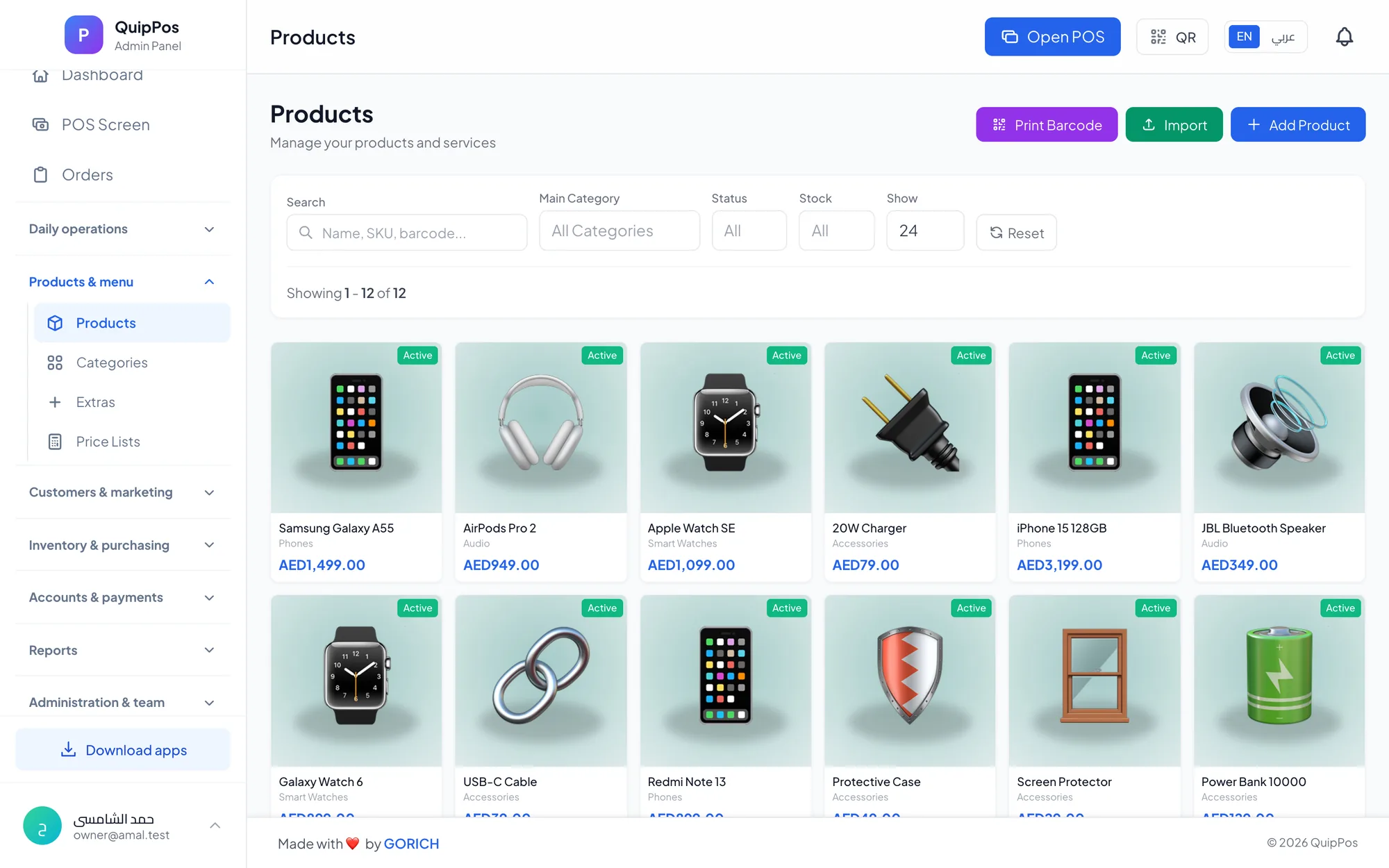
A practical guide to dry cleaning software: building a garment price list, inspecting and noting stains per piece, tracking orders to pickup, fast search and unpaid filters.
 Retail stores
Flower Shop POS for Gift, Chocolate and Bouquet Orders
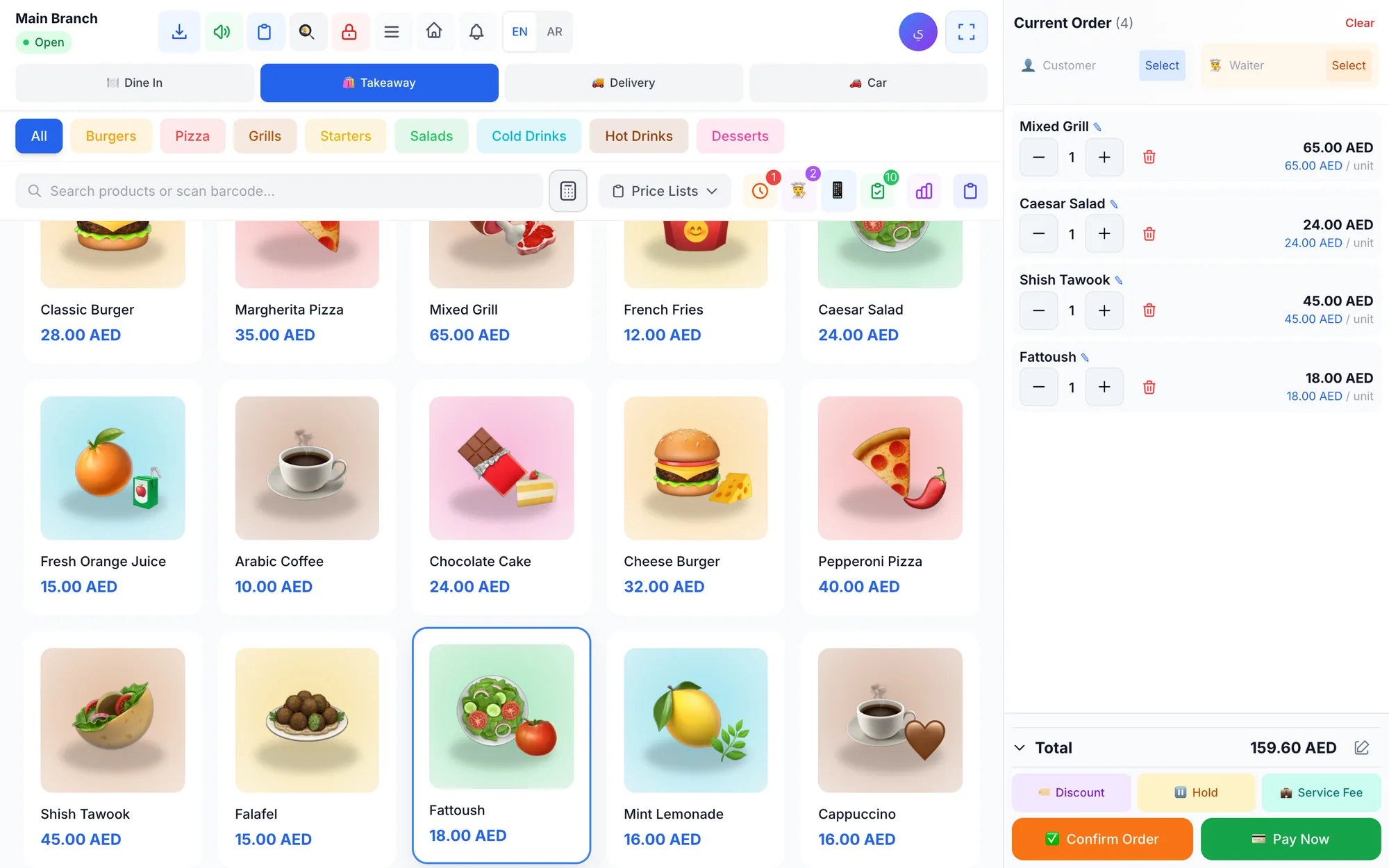
A flower shop POS should handle bouquets, chocolates, gift bundles, delivery, and deposits without slowing checkout. This guide shows what to set up before busy seasons.
 Restaurants & cafés
Opening a Restaurant: Technology and Operations Checklist
Before you open a restaurant, make sure your menu, printers, kitchen screens, staff roles and payment methods are ready. This checklist helps you test service before day one.